


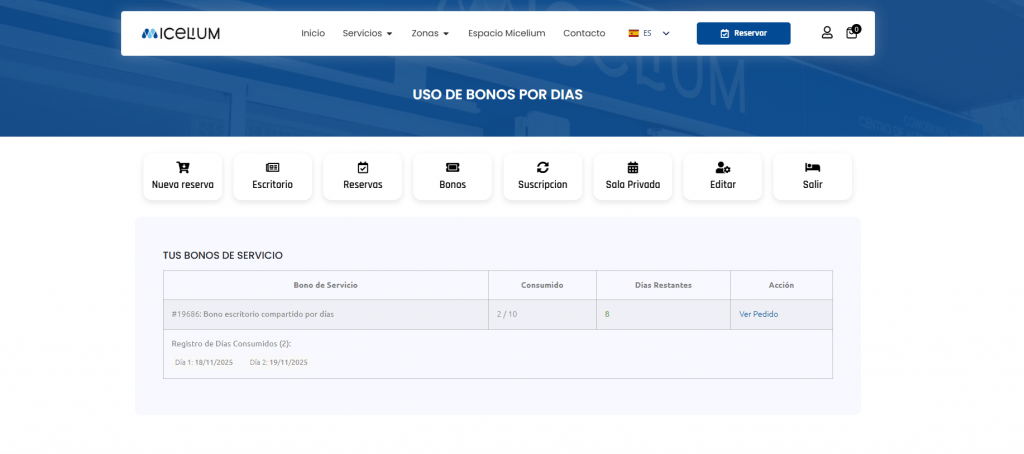
Important developments in Micelium: Your profile now is the key tool for managing your time without the wait
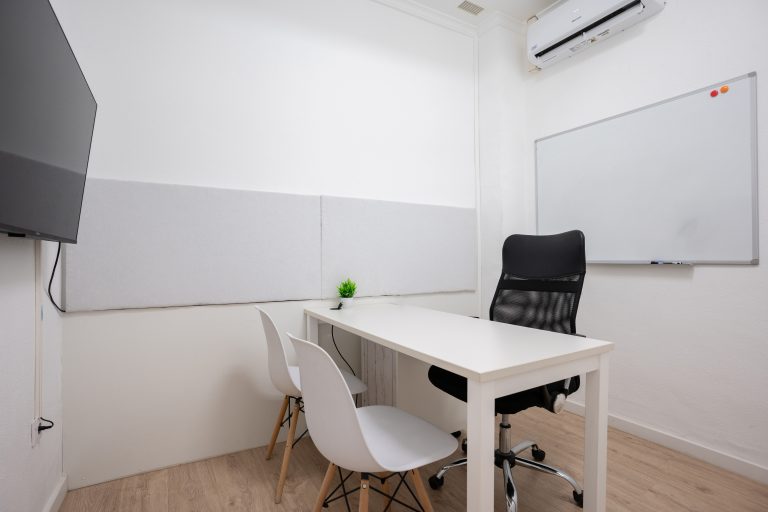
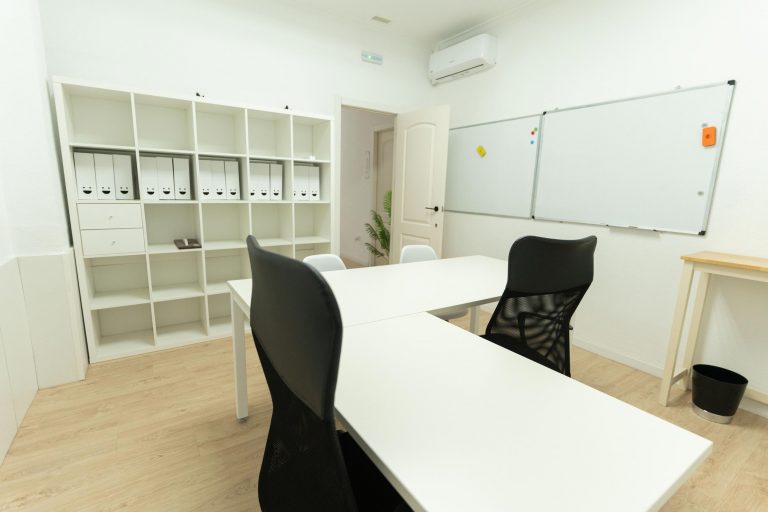
Discover how the new room of Micelium transforms your courses and strategic meetings.

Download the Micelium app
Bookings, passes and access code on your phone

Discover how the new room of Micelium transforms your courses and strategic meetings.

Find the perfect place to work remotely can be a challenge,
Search
Categories
Do you need help?
Services more reserved
Free · no app store
1
Abre micelium.es in Safari.
2
Toca Compartir (el cuadrado con la flecha hacia arriba) en la barra de abajo.
3
Choose Añadir a pantalla de inicio.
4
Toca Add. El icono de Micelium aparece junto a tus apps.
1
Abre micelium.es in Chrome.
2
Open the ⋮ menu at the top right and choose Add to Home screen (or Install app, if offered).
3
Confirma con Add. El icono de Micelium aparece en tu pantalla de inicio.
Scan this code with your phone camera and follow the iPhone or Android steps.
In Chrome or Edge you can also install it on your computer from the browser menu, using the option to install the page as an app.