Micelium Coworking Space - Your shared workspace in Dénia

Micelium app

Bookings, passes and your access code

Micelium welcomes you

Common areas at Micelium Coworking

A reception that greets you with a warm welcome, a kitchen area to recharge and relaxation spaces: all included in the price of your desk.

Facade of the Micelium Coworking Space office

Micelium welcomes you

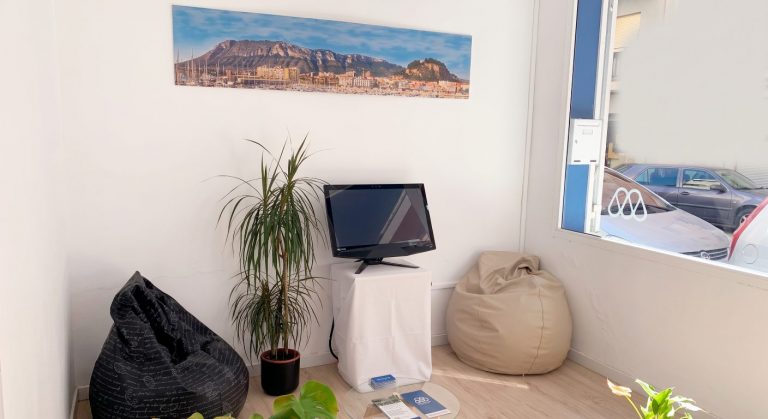
Reception

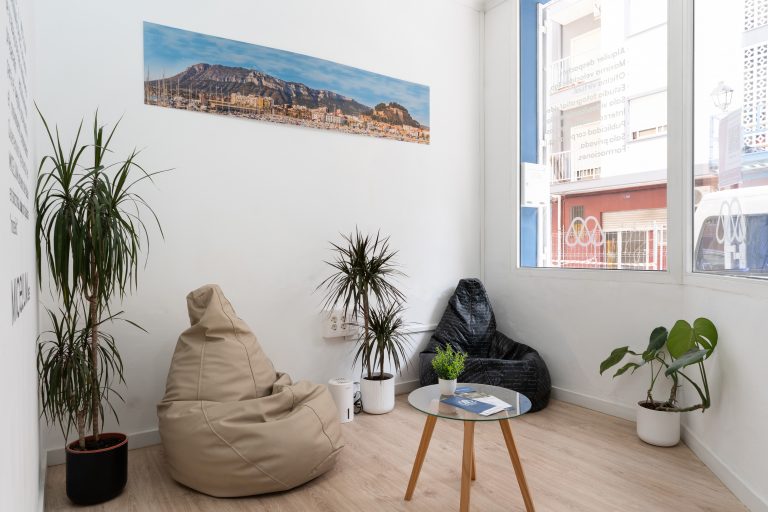
The Micelium experience begins at reception, where you are greeted with a warm welcome. But this is not just an entry point; it is also a place to relax. It has comfortable pouffes for resting, making it a perfect space to have a coffee, socialise with other members or simply enjoy a short break.

Built for high performance

Benefits and services

10 Gb symmetric fibre

Symmetric 10 Gb fibre internet so you never have to stop working.

Meeting room and videoconferencing

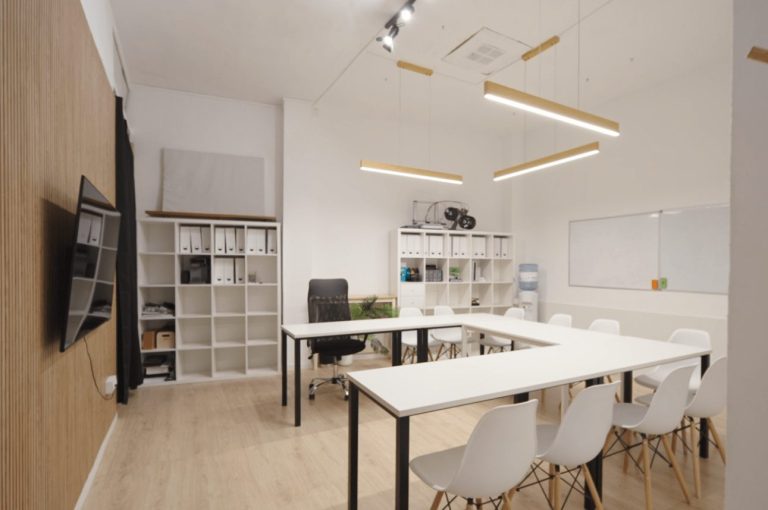
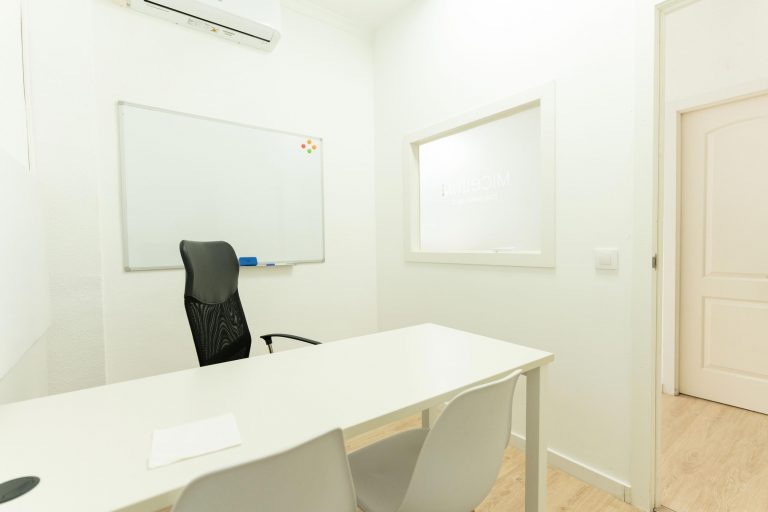
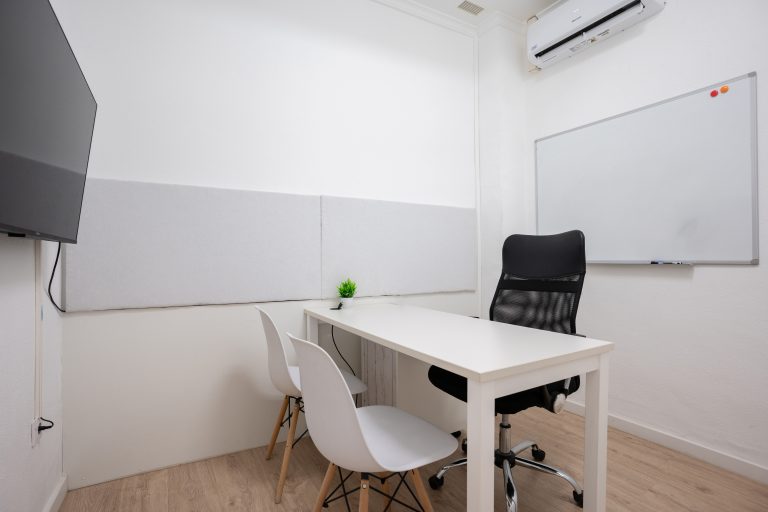
A private area so nobody disturbs you during your video calls and meetings. Included with any service.

Facilities that have it all

Stretch your legs in the relaxation area, and don’t forget the good coffee. Café, microwave, chill-out area and water service, all at the same price.

Coworker network

Why not a little bit of you? Promote your business in our centre and on our social media and connect with fellow coworkers.

Dining area

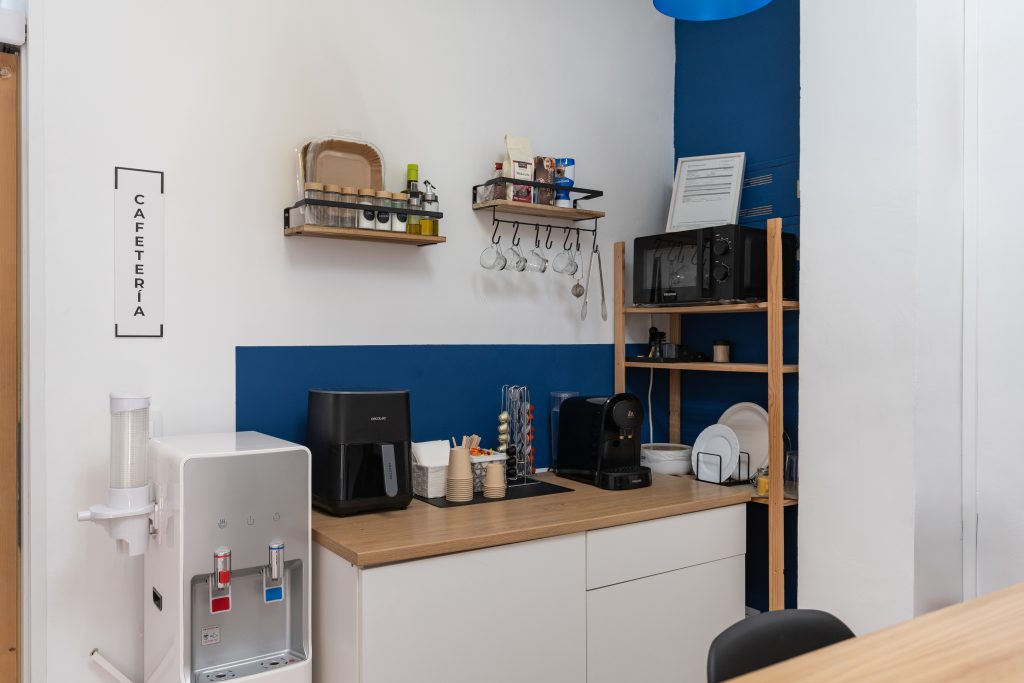
Café area

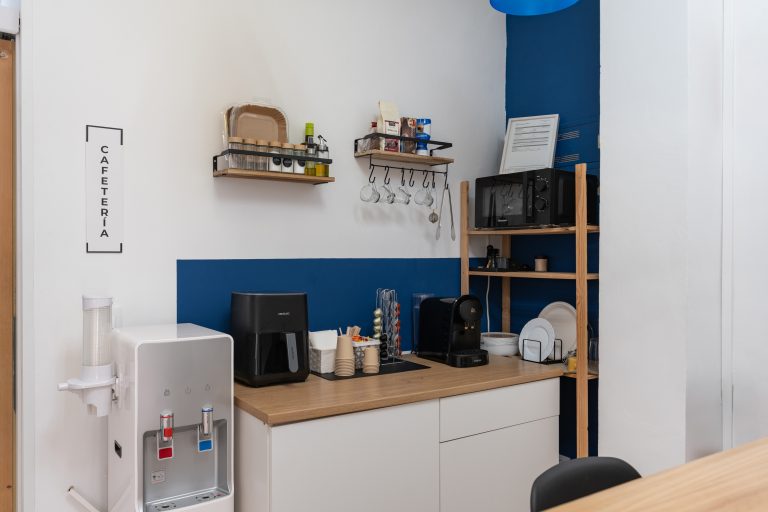
At Micelium, we know that productivity sometimes requires a break to recharge. Therefore, we have created a kitchen area. Here, you'll find a microwave, coffee maker, water, cutlery, and a bar with high stools. In addition, we offer ultra-fast chargers for your devices.
45 reviews on Google

“A very comfortable space, a great place to work.”

María F. · Google review

Come and meet us

Your next workday starts on Carrer del Verger

Carrer del Verger, 10, ground floor · Dénia

Free parking at Torrequemada

Monday to Friday 08:00–21:00

Saturdays 08:00–18:00

+34 685 58 14 22

Also on WhatsApp

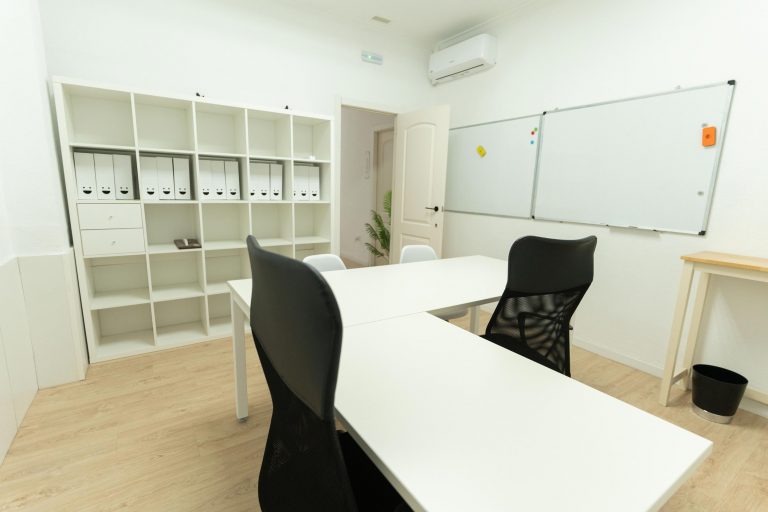
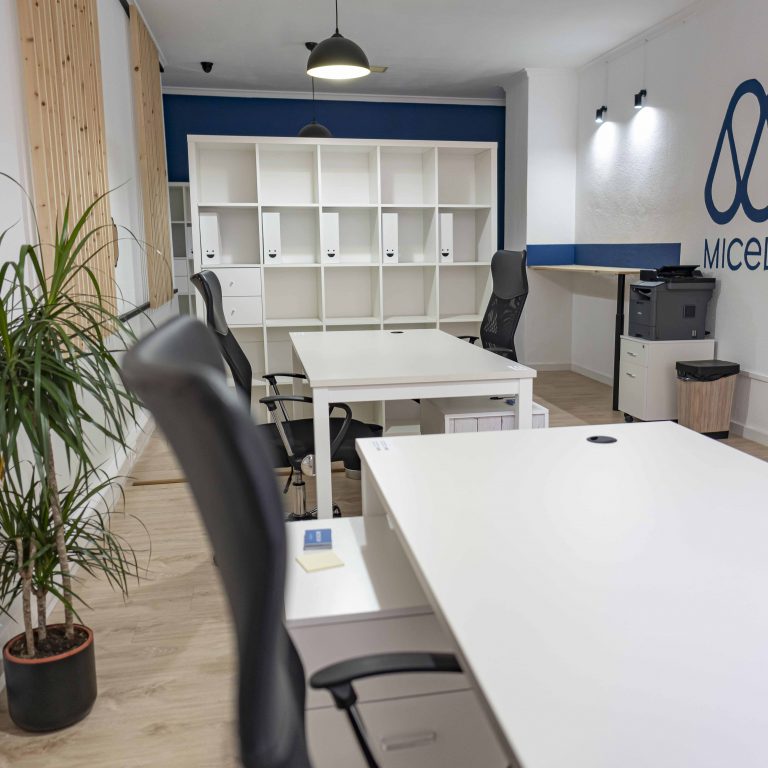
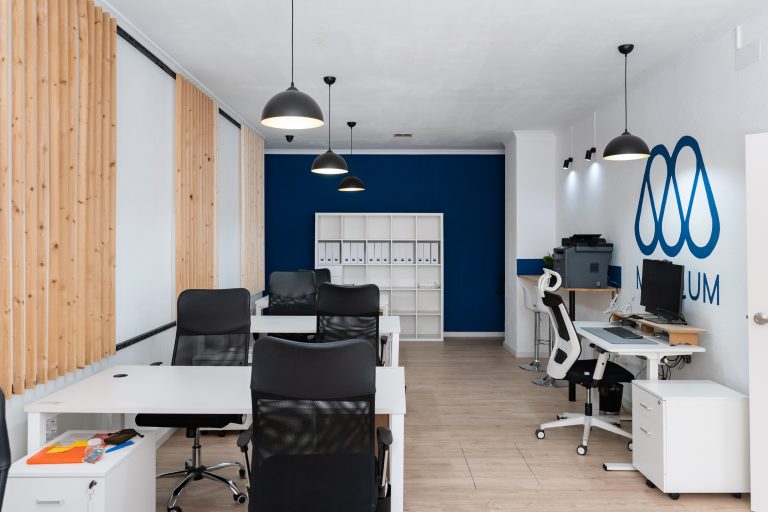
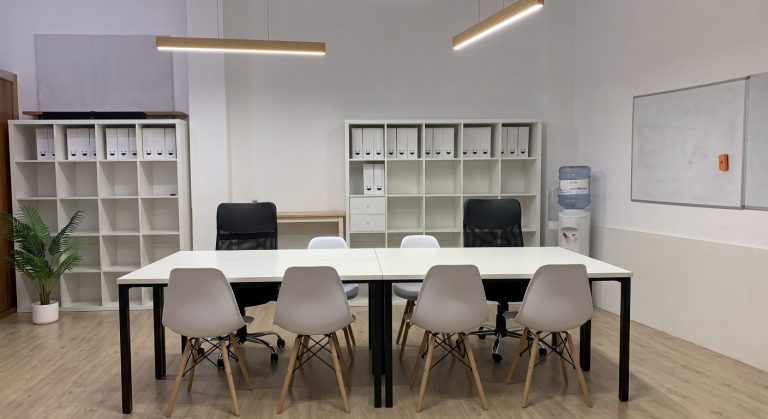
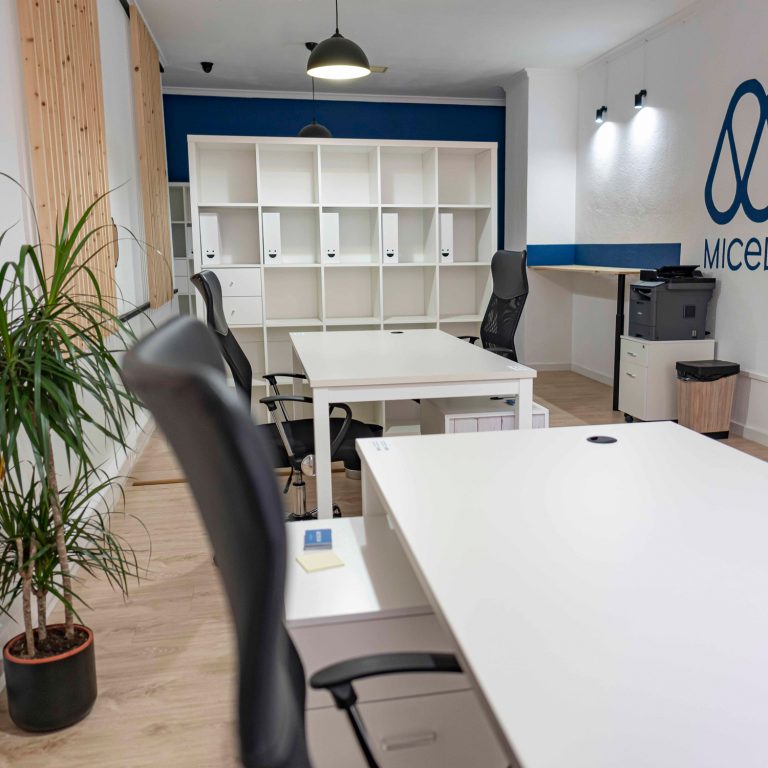
Shared room at Micelium Coworking in Dénia with workstations
Micelium Coworking Space - Your shared workspace in Dénia

Install the Micelium app

Free · no app store

1

Open micelium.es in Safari.

2

Tap Share (the square with the upward arrow) in the bottom bar.

3

Choose Add to Home Screen.

4

Tap Add. The Micelium icon appears alongside your apps.

1

Open micelium.es in Chrome.

2

Open the ⋮ menu at the top right and choose Add to Home screen (or Install app, if offered).

3

Confirm with Add. The Micelium icon appears on your home screen.

QR code to install the Micelium app

Scan this code with your phone camera and follow the iPhone or Android steps.

In Chrome or Edge you can also install it on your computer from the browser menu, using the option to install the page as an app.