Micelium app
Bookings, passes and your access code
Shared
Private
Day passes
More services
Starting prices, excl. VAT. Pay online and get in with your code the same day.
See the full shop
Most booked
Desk by the hour
From €13.18 + VAT
Book
Micelium app: book, check your passes and keep your access code always at hand.
Near Micelium
Torrequemada, free
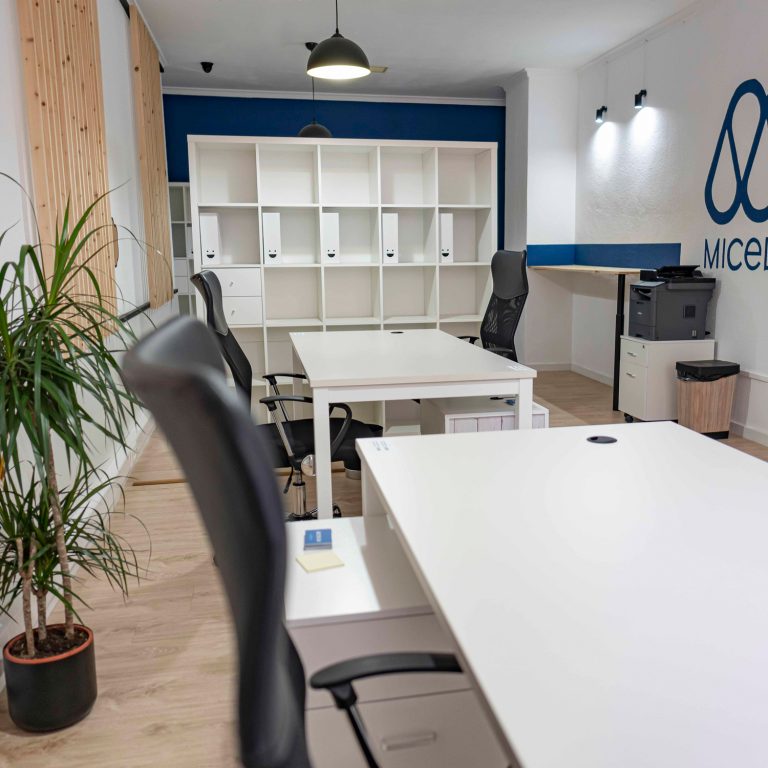
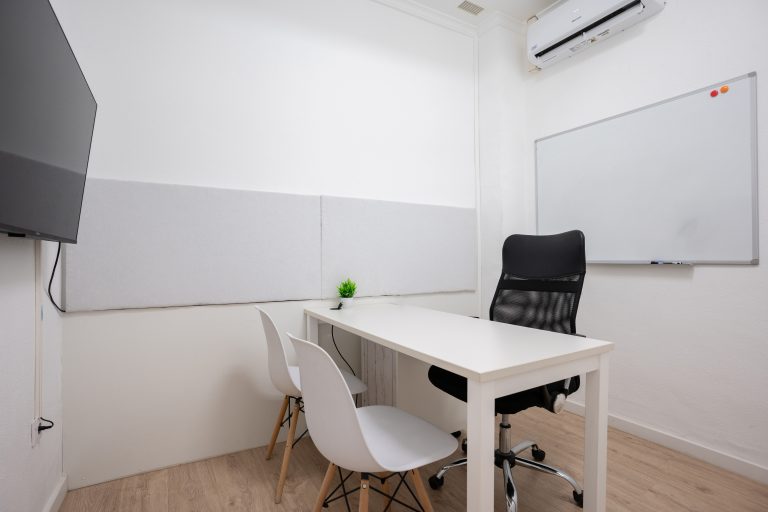
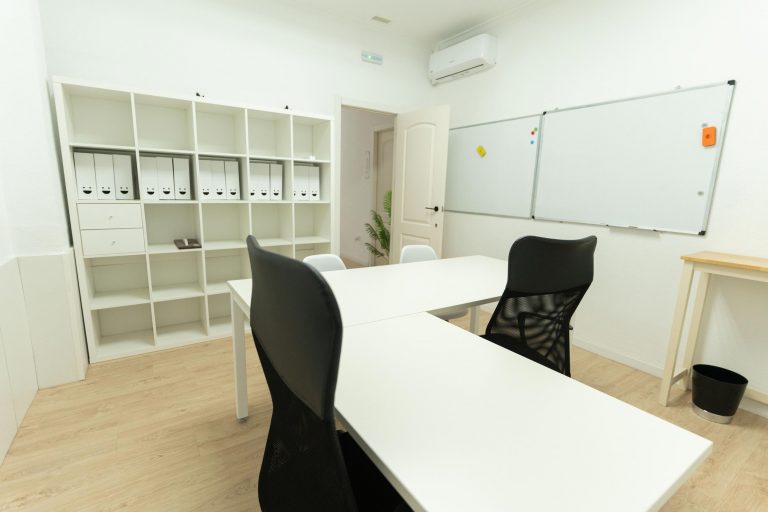
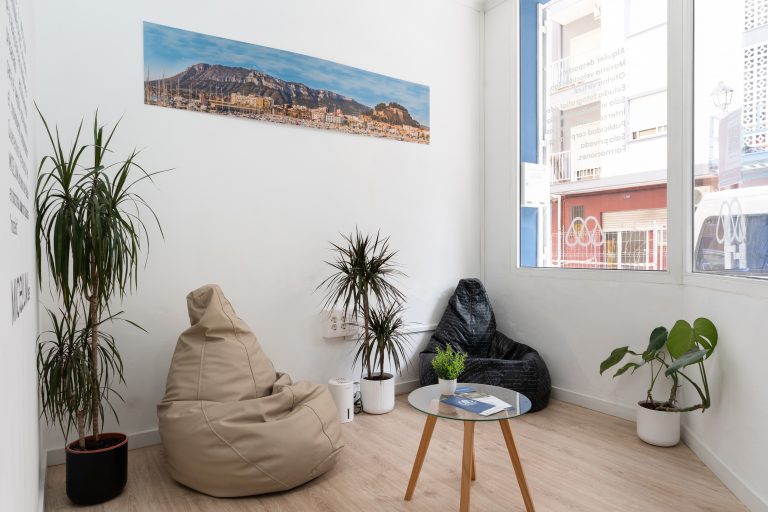
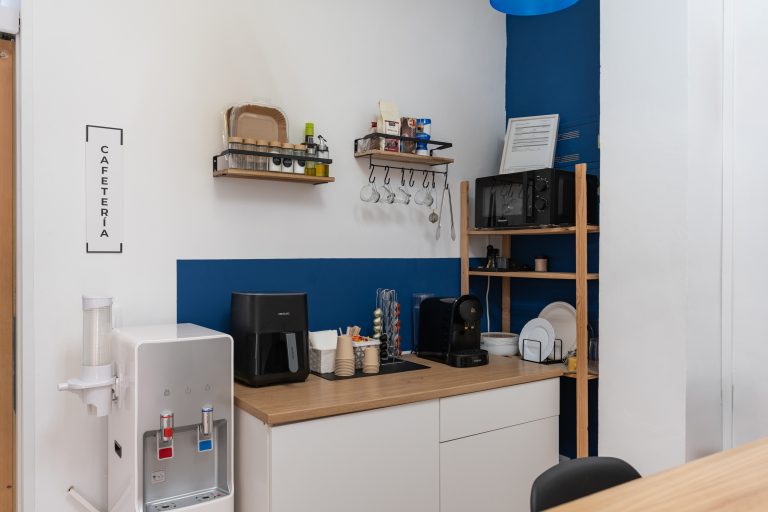
Spaces at Micelium Coworking
See common areas
Home
Passes and more
Blog
Contact
Download the Micelium app
Bookings, passes and access code on your phone
Contact · Coworking in Dénia
We’ll help you choose a space, answer your questions about bookings and passes, and if you like, show you around the coworking before you book.
Monday to Saturday
08:00 to 21:00 (Saturdays until 18:00)
Free parking
Less than 100 m away, at Torrequemada
Access with your code
At your time, no waiting
WhatsApp
685 58 14 22
Phone
+34 685 58 14 22
Email
contacto@micelium.es
Address
Carrer del Verger, 10, ground floor · Dénia
Micelium community
Telegram group
Carrer del Verger, 10 · Dénia
Right in the centre of Dénia, next to the courthouse. Free parking less than 100 m away, with bars, banks and the bus station nearby.
Micelium Coworking Space
Less than 100 m away
Free parking next to the Dénia courthouse.
Get directions
Banks and administrative services in the same area.
Less than 50 m away
For breakfast, lunch or dinner without going far.
In Dénia
To come by bus from other towns in the area.
Book online
Desks by the hour, private rooms and day passes. Pick the service, day and time, pay online and get in with your code. No contracts, no commitment.
Free · no app store
1
Open micelium.es in Safari.
2
Tap Share (the square with the upward arrow) in the bottom bar.
3
Choose Add to Home Screen.
4
Tap Add. The Micelium icon appears alongside your apps.
Open micelium.es in Chrome.
Open the ⋮ menu at the top right and choose Add to Home screen (or Install app, if offered).
Confirm with Add. The Micelium icon appears on your home screen.
Scan this code with your phone camera and follow the iPhone or Android steps.
In Chrome or Edge you can also install it on your computer from the browser menu, using the option to install the page as an app.