Micelium app
Bookings, passes and your access code
Shared
Private
Day passes
More services
Starting prices, excl. VAT. Pay online and get in with your code the same day.
See the full shop
Most booked
Desk by the hour
From €13.18 + VAT
Book
Micelium app: book, check your passes and keep your access code always at hand.
Near Micelium
Torrequemada, free
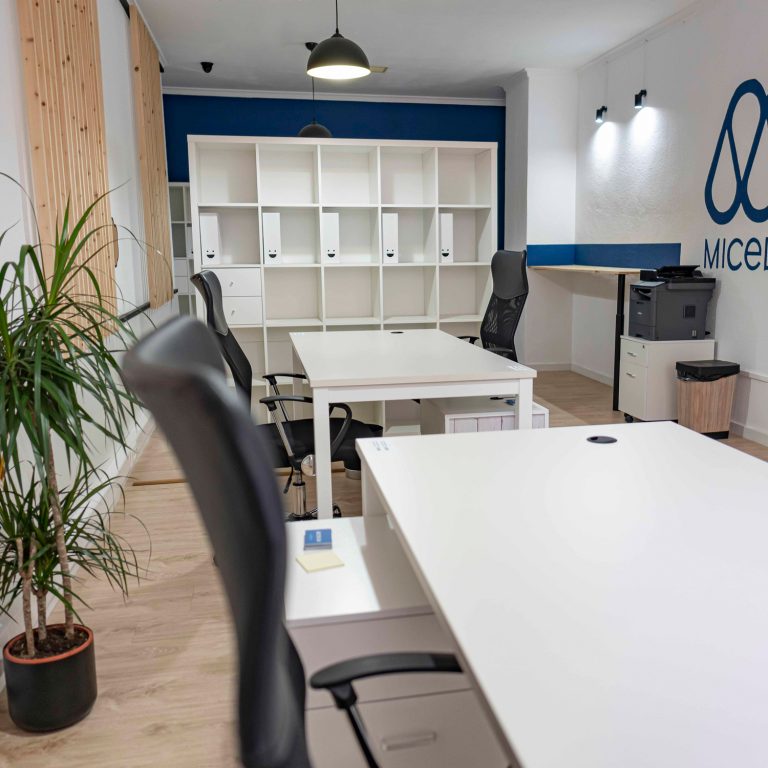
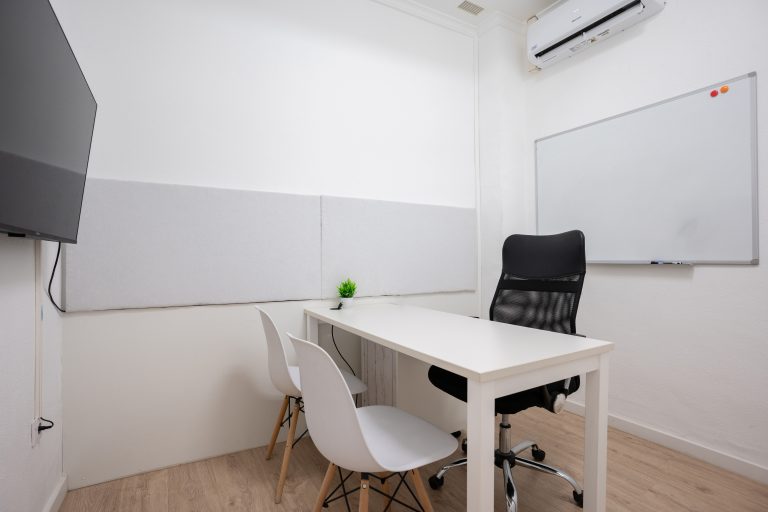
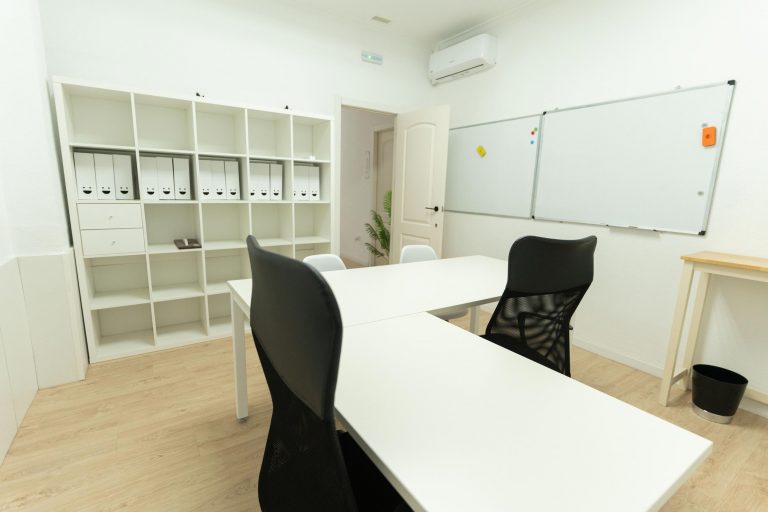
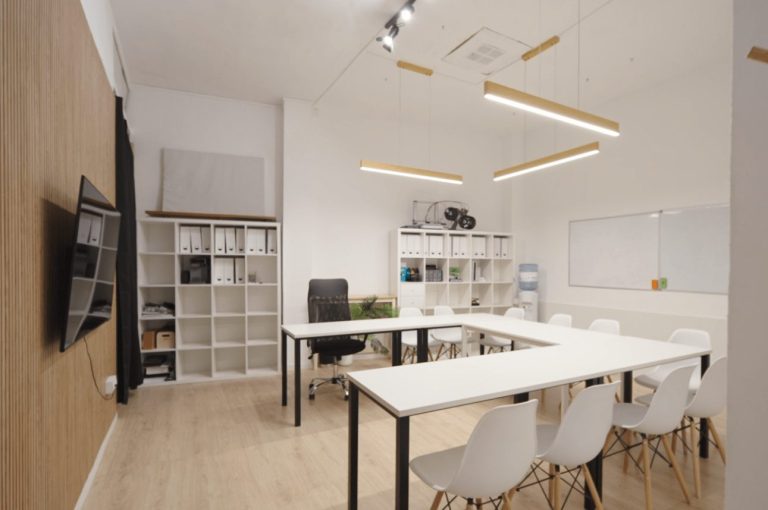
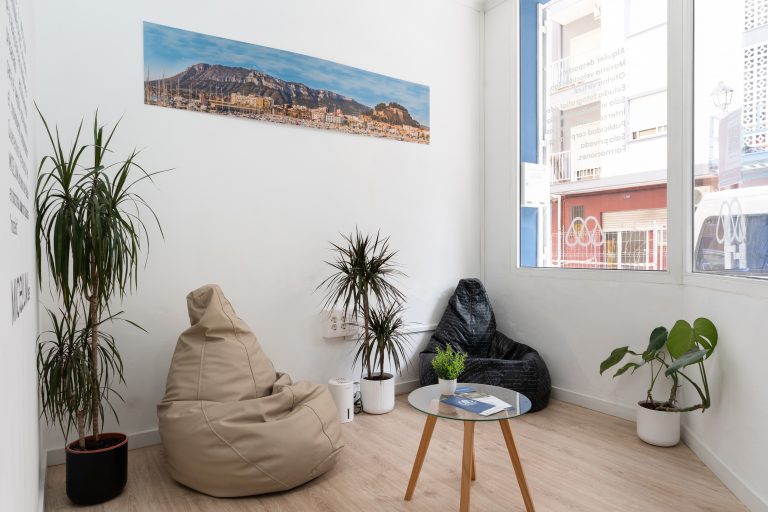
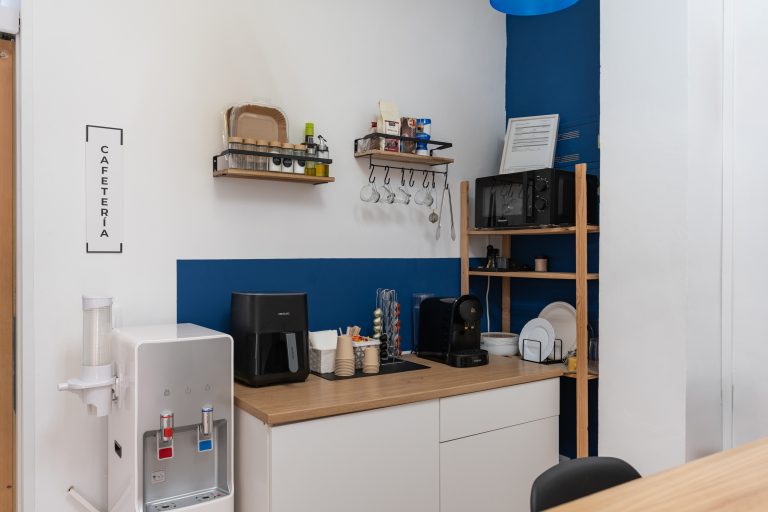
Spaces at Micelium Coworking
See common areas
Home
Passes and more
Blog
Contact
Download the Micelium app
Bookings, passes and access code on your phone
Username or email address *Required
Password *Required
Remember me Log in
Lost your password?
Email address *Required
A link to set a new password will be sent to your email address.
Sus datos personales se utilizarán para mejorar su experiencia en este sitio web, para gestionar el acceso a su cuenta y para otros fines descritos en nuestra política de privacidad. privacy policy.
Register
Inicia sesión para ver tu código de acceso.
Free · no app store
1
Open micelium.es in Safari.
2
Tap Share (the square with the upward arrow) in the bottom bar.
3
Choose Add to Home Screen.
4
Tap Add. The Micelium icon appears alongside your apps.
Open micelium.es in Chrome.
Open the ⋮ menu at the top right and choose Add to Home screen (or Install app, if offered).
Confirm with Add. The Micelium icon appears on your home screen.
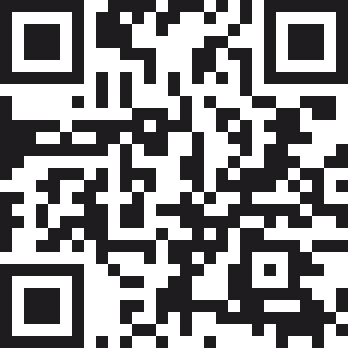
Scan this code with your phone camera and follow the iPhone or Android steps.
In Chrome or Edge you can also install it on your computer from the browser menu, using the option to install the page as an app.