

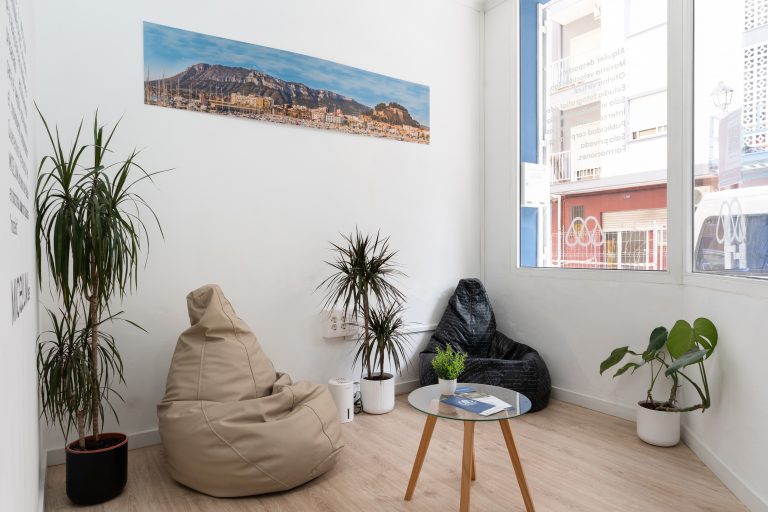
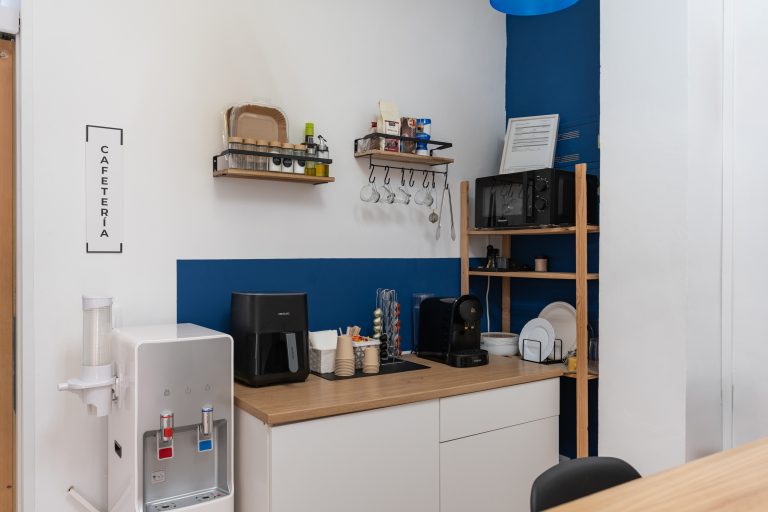


Denia is a city rich in opportunities to establish professional connections and expand your network. In this blog, we will take you on a journey through the various networking options available in Denia and how Micelium fits into this network.
The Community of Denia: A Networking Treasure
We will explore the various local organisations, networking groups and events taking place in Denia. From chambers of commerce to entrepreneur groups, you'll discover where you can network and how to make the most of these opportunities.
Micelium and its Role in the Community
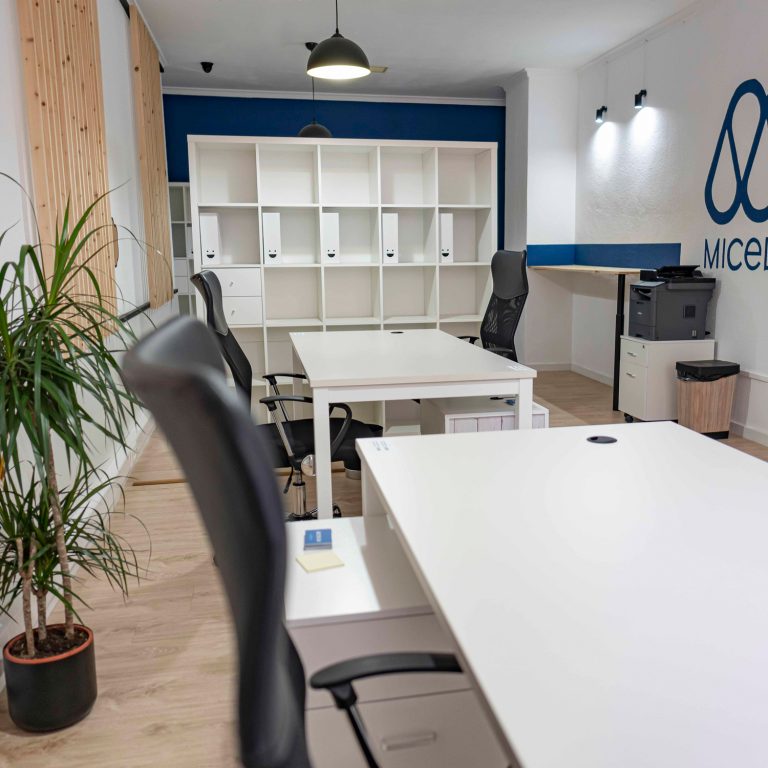
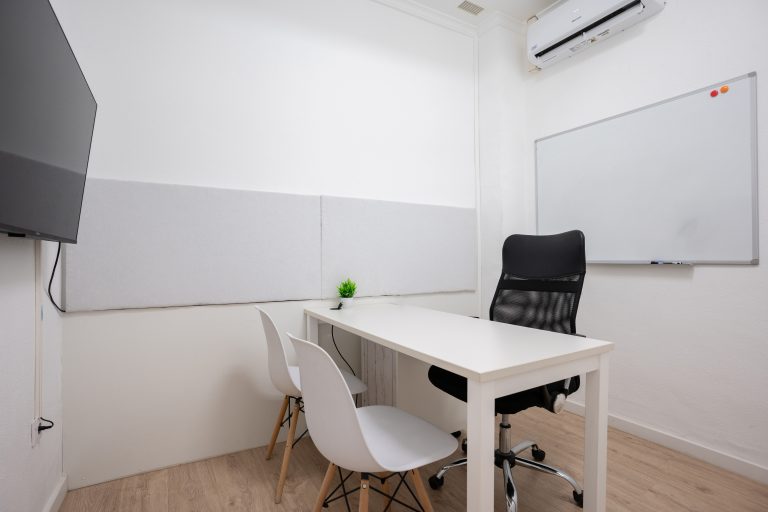
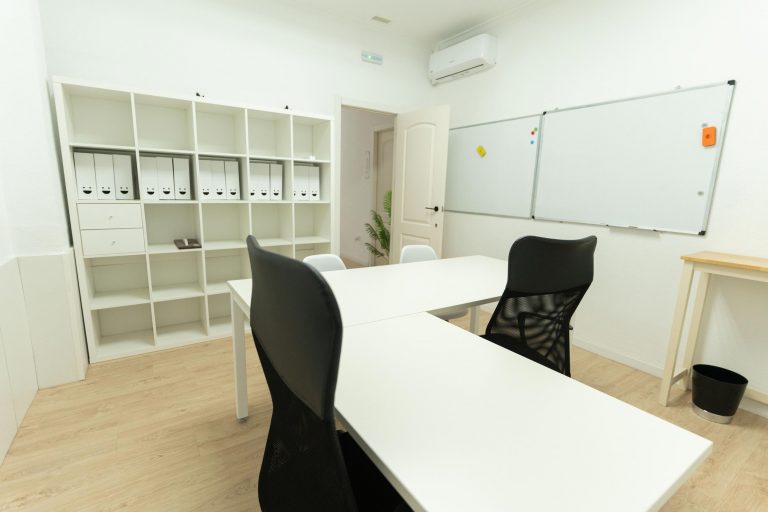
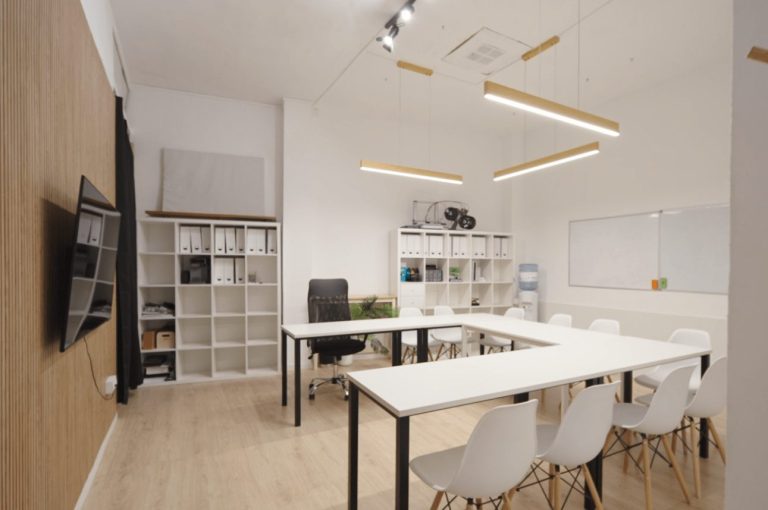
We will highlight how Micelium complements these opportunities by providing a collaborative work environment and internal events that encourage networking. We will show you how Micelium acts as a networking center where professionals connect and collaborate in an inspiring environment.
Tips for Networking in Denia
We will share practical tips on how to make the most of your presence in the Denia community to establish strong professional relationships. From active participation in events to building your personal brand, we will guide you on the path to effective networking.
This blog will help you discover the vast world of networking opportunities in Denia and how Micelium Coworking Space becomes your strategic ally in this search.
Book your place at Micelium Coworking Space by clicking below:
👁️ Click here to learn more about our workspace.
🖊️ Click to request a consultation.
📞 Click to make a call.
💻 Click here to request a reservation.
💬 Click to write a whatsapp.