Download the Micelium app
Bookings, passes and access code on your phone
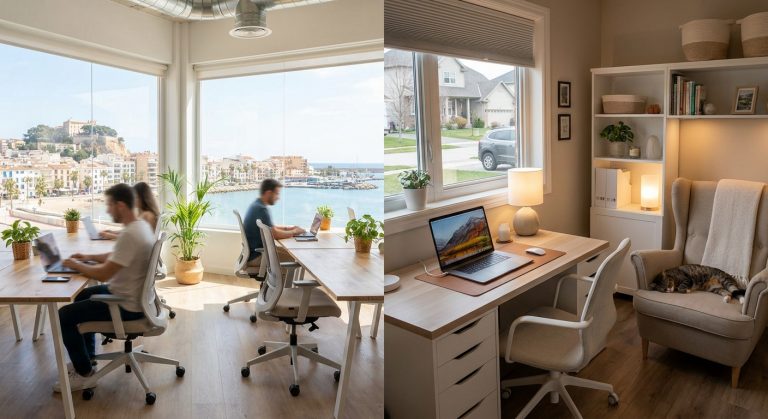
A space full of life
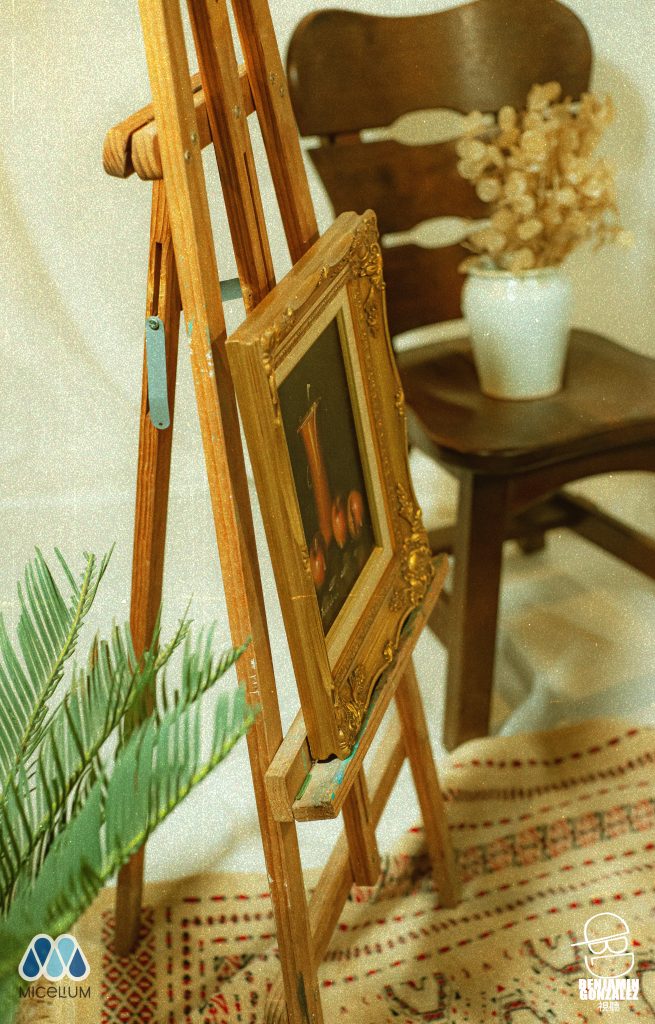
At Micelium we have hosted events such as the Shoot Day, a photography day with a vintage set. And if you need a space for your own, we have a room for meetings, training sessions and presentations.
What we have celebrated
29 May 2022
Our offices became a stage from the past, full of antiques, and three photographers captured the moment from three different perspectives. A photography day that blended nostalgia for the old with the creativity of the community.
Organise your event
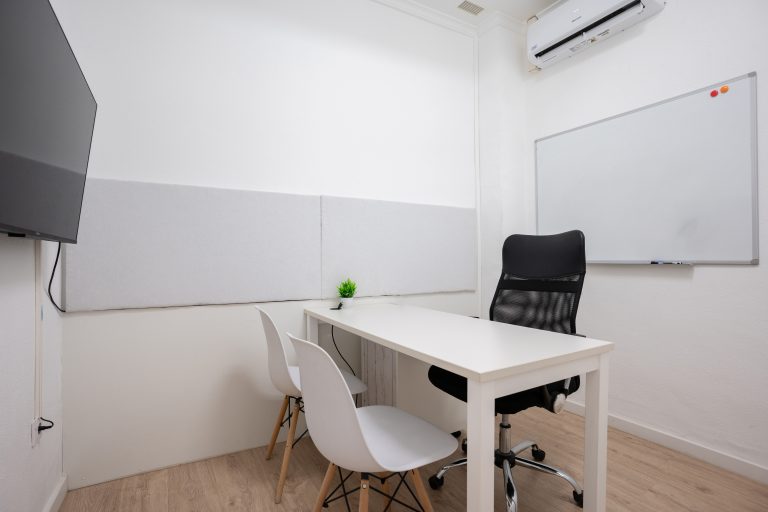
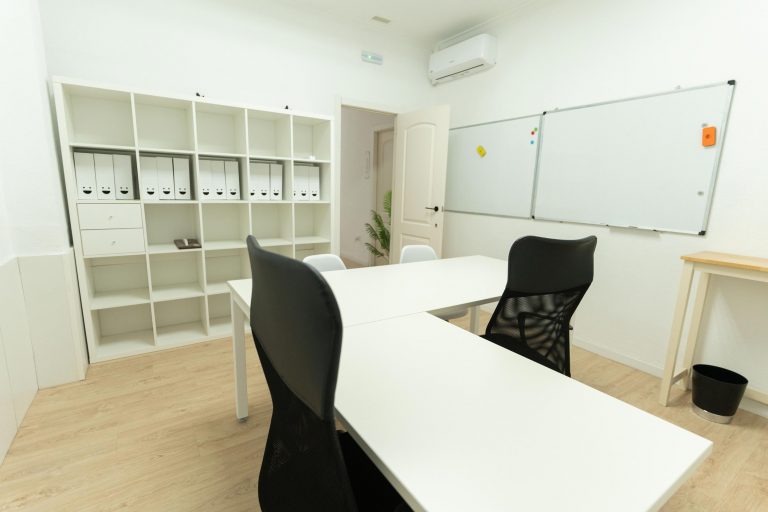
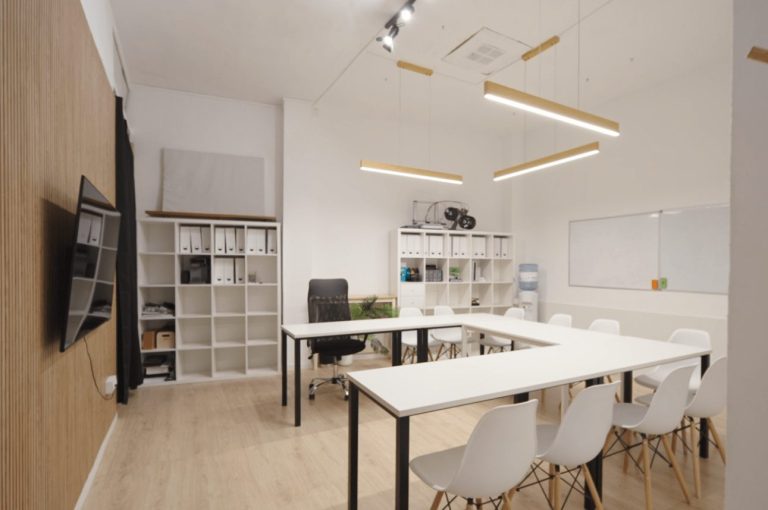
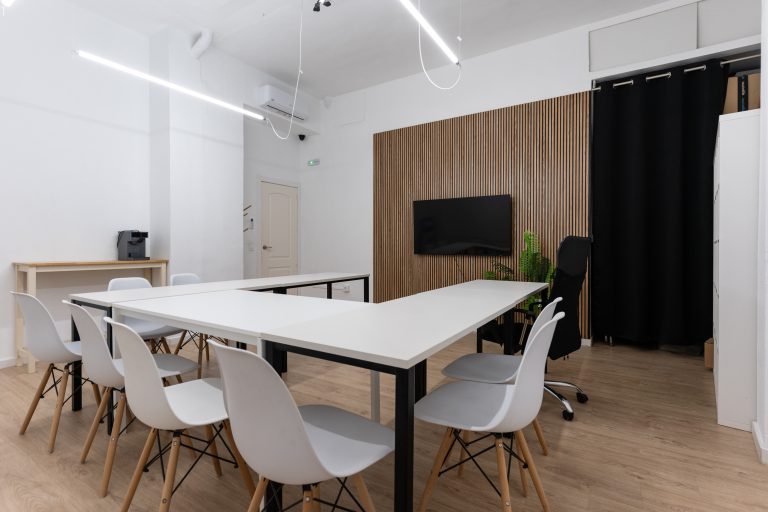
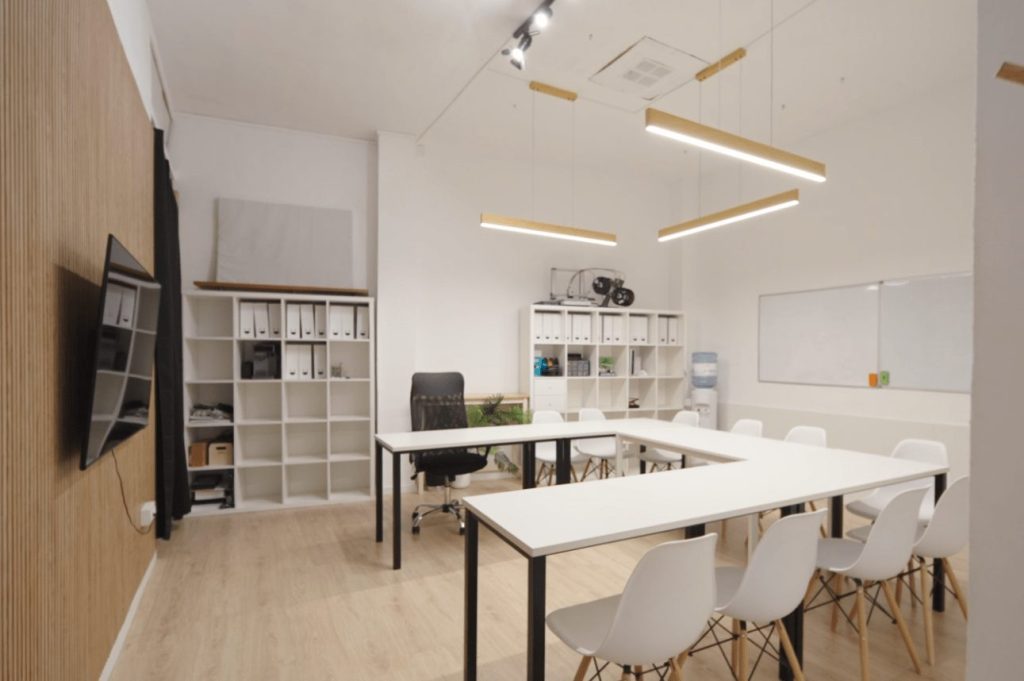
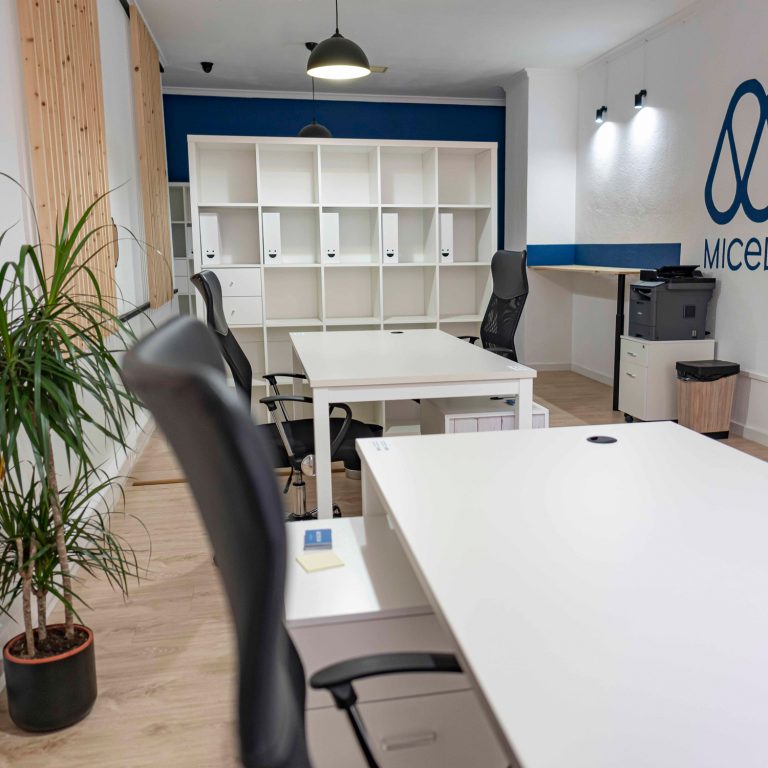
Rent our meeting room by the hour for meetings, training sessions, courses and presentations: U-shaped or central table, 75-inch screen, up to 12 people, and lockable. If your event is of another kind, tell us about it on WhatsApp.
“A very comfortable space, a great place to work.”
María F. · Google review
Come and meet us
Carrer del Verger, 10, ground floor · Dénia
Free parking at Torrequemada
Monday to Friday 08:00–21:00
Saturdays 08:00–18:00
Also on WhatsApp
Free · no app store
1
Open micelium.es in Safari.
2
Tap Share (the square with the upward arrow) in the bottom bar.
3
Choose Add to Home Screen.
4
Tap Add. The Micelium icon appears alongside your apps.
1
Open micelium.es in Chrome.
2
Open the ⋮ menu at the top right and choose Add to Home screen (or Install app, if offered).
3
Confirm with Add. The Micelium icon appears on your home screen.
Scan this code with your phone camera and follow the iPhone or Android steps.
In Chrome or Edge you can also install it on your computer from the browser menu, using the option to install the page as an app.