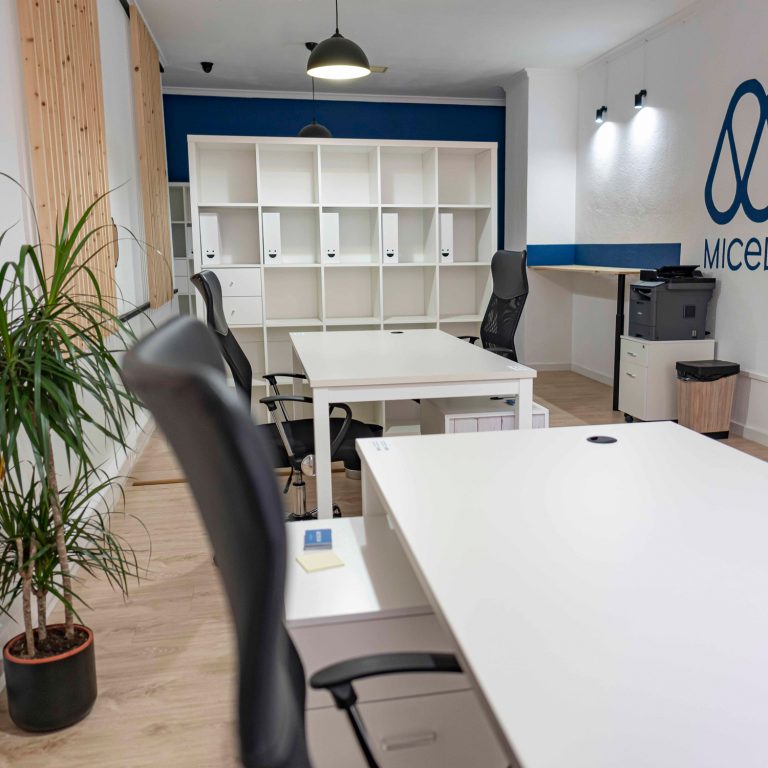
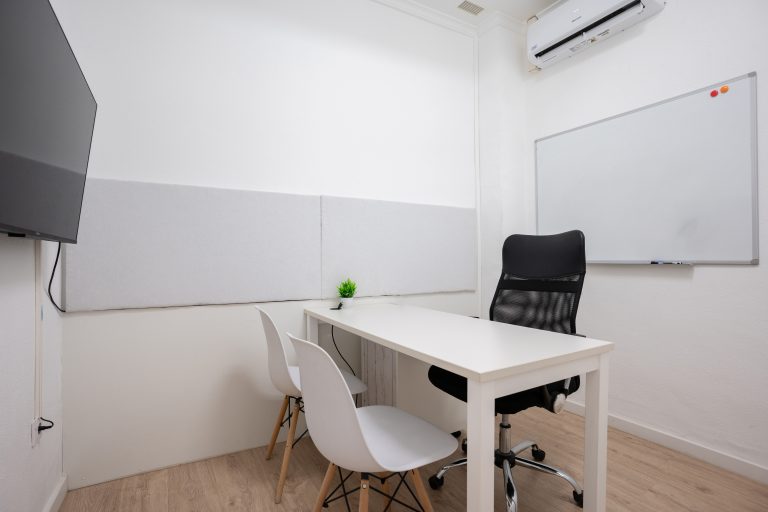
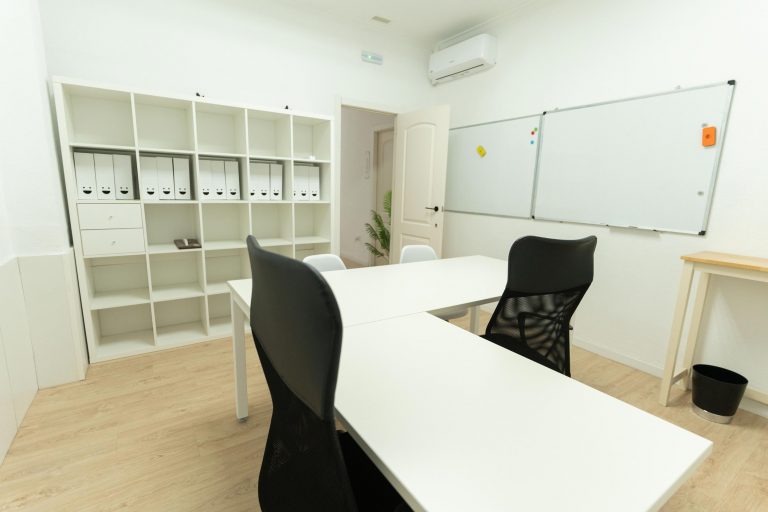
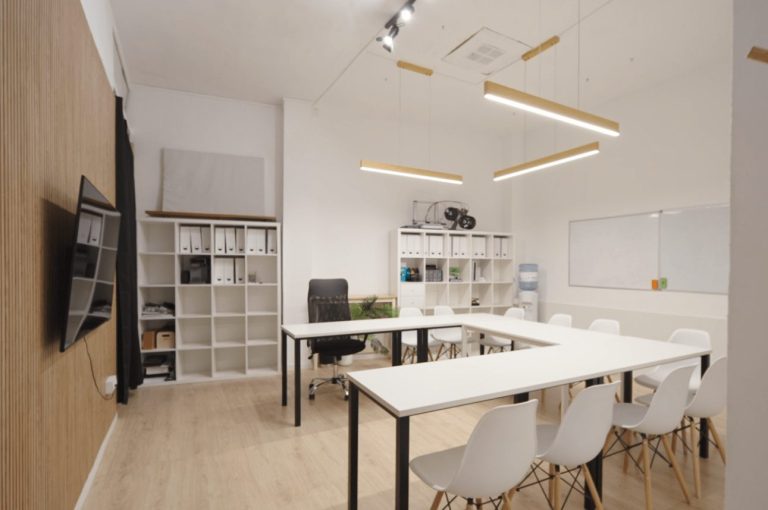
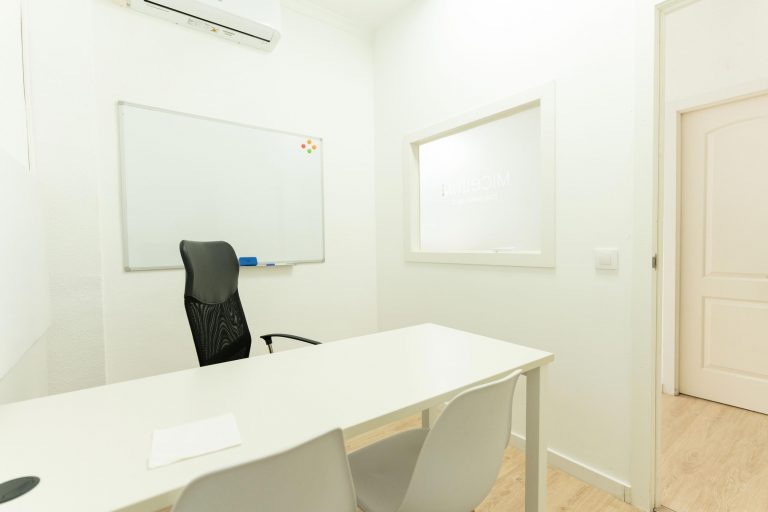
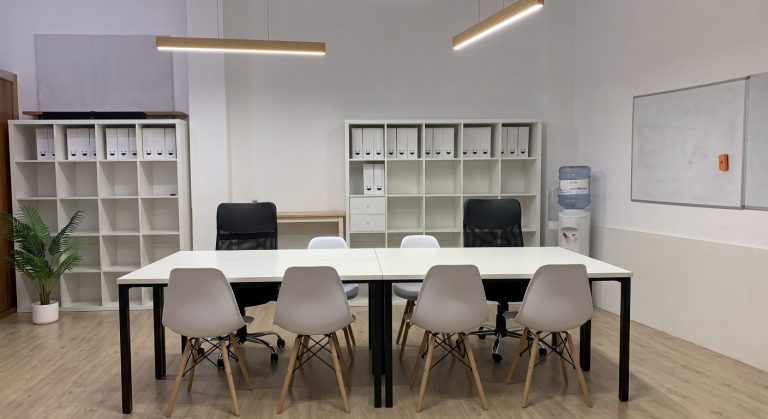
For those times when you need total privacy, Micelium offers a Private Room. This space is ideal for meetings online or face-to-face private interviews or video calls. Here, you can hold confidential conversations without distractions and with the convenience you need with up to 3 people. The service of Private Room is included in all our services.
Symmetric 10 Gb fibre internet so you never have to stop working.
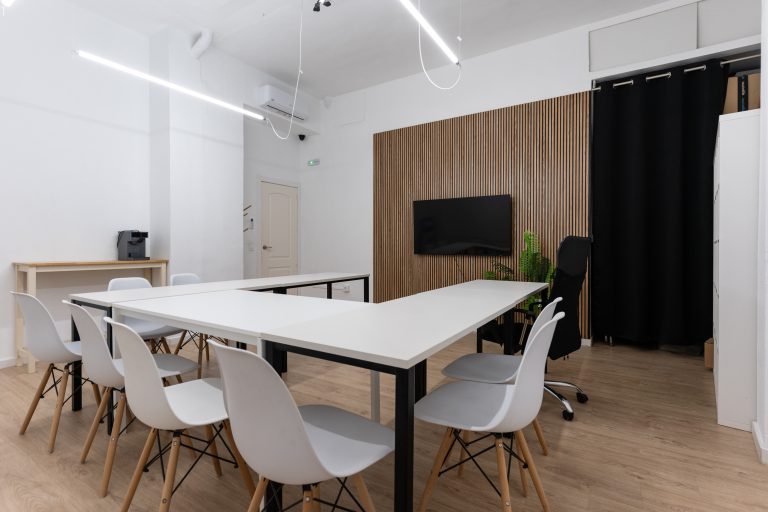
Meeting room and videoconferencing
A private area so nobody disturbs you during your video calls and meetings. Included with any service.
Facilities that have it all
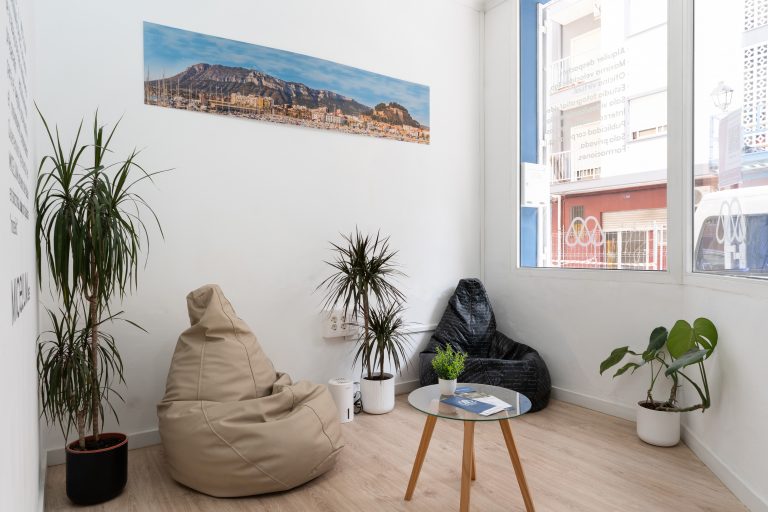
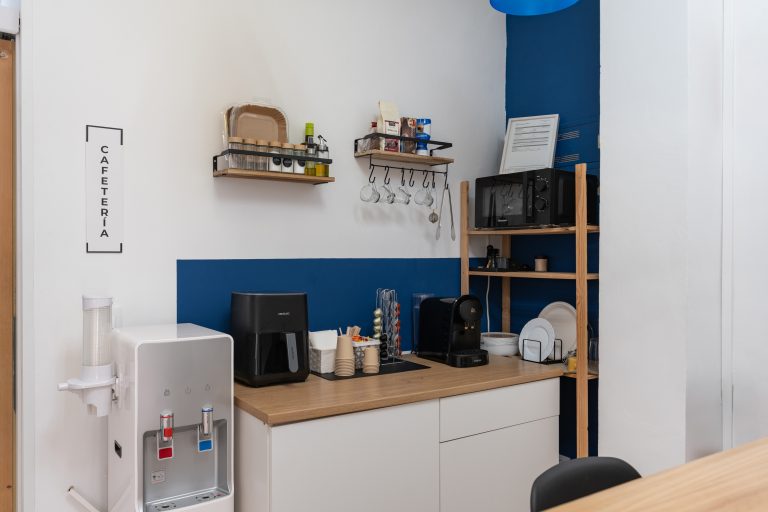
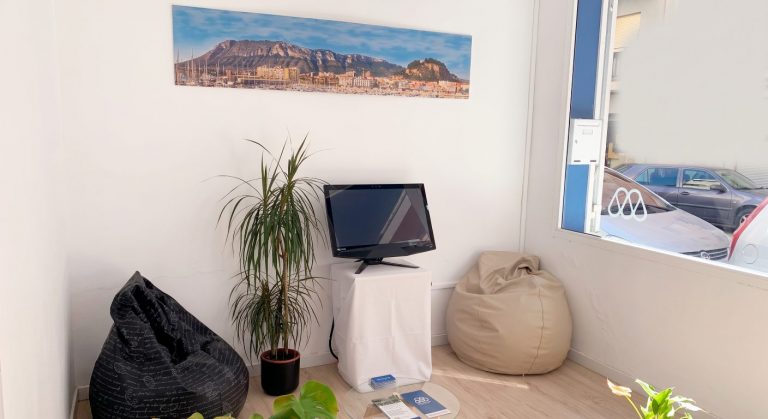
Stretch your legs in the relaxation area, and don’t forget the good coffee. Café, microwave, chill-out area and water service, all at the same price.
Coworker network
Why not a little bit of you? Promote your business in our centre and on our social media and connect with fellow coworkers.
Private coworking rooms
Private office
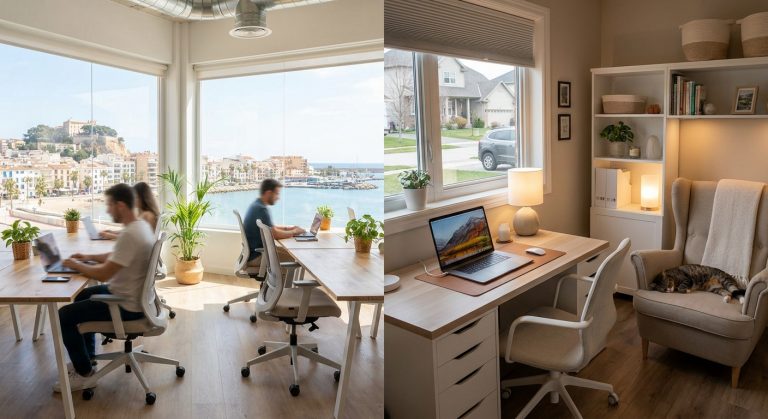
For those times when you need total privacy, Micelium offers a private office with a window. This space is ideal for meetings online or face-to-face private interviews or video calls. Here, you can hold confidential conversations without distractions and with the comfort that you need. The dispatch service is included on all our services.