Micelium app
Bookings, passes and your access code
Shared
Private
Day passes
More services
Starting prices, excl. VAT. Pay online and get in with your code the same day.
See the full shop
Most booked
Desk by the hour
From €13.18 + VAT
Book
Micelium app: book, check your passes and keep your access code always at hand.
Near Micelium
Torrequemada, free
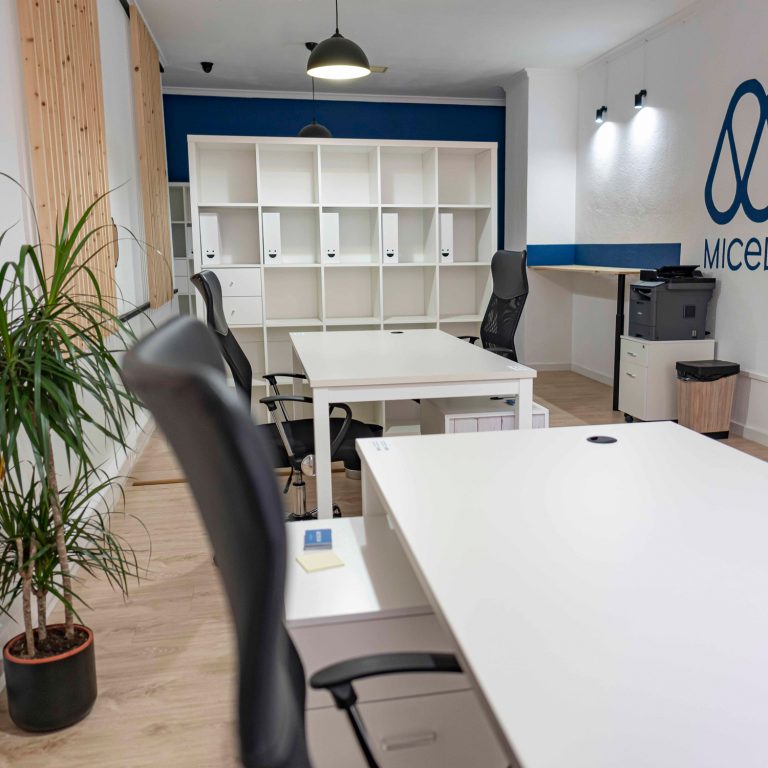
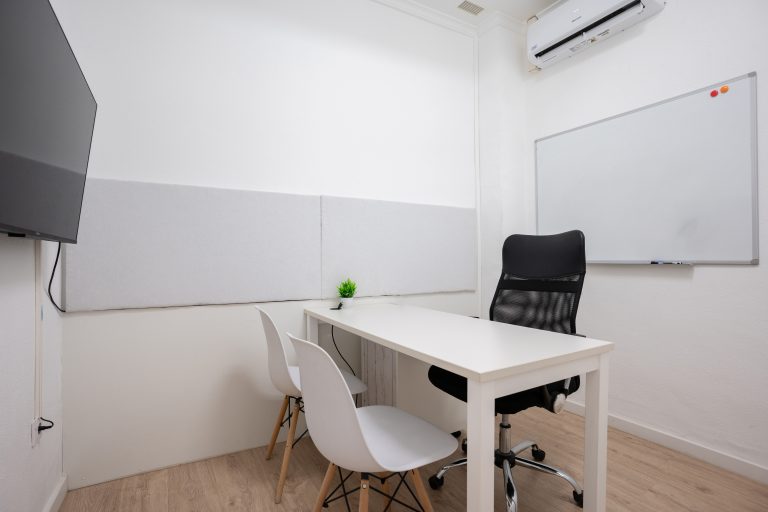
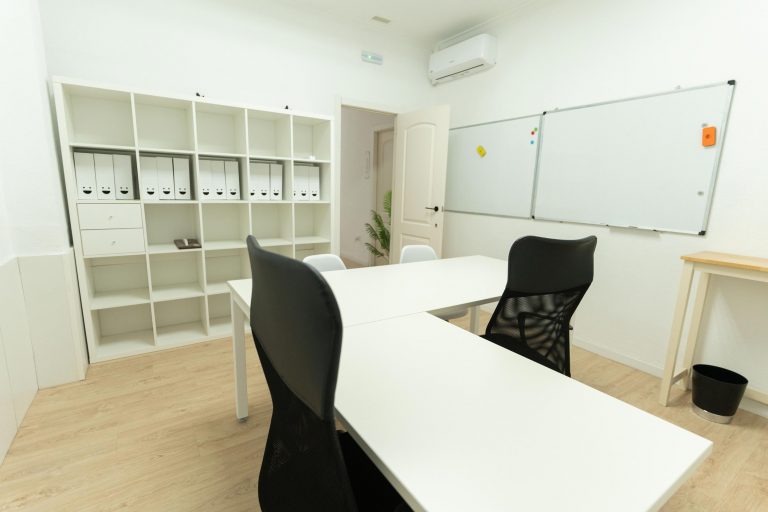
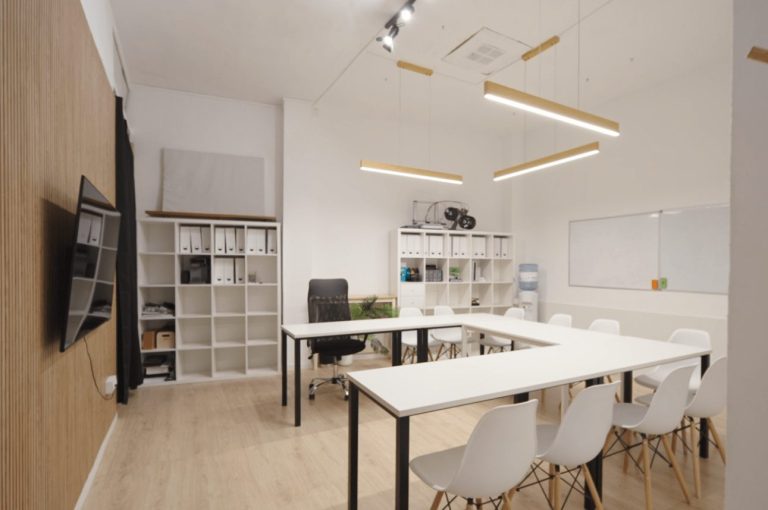
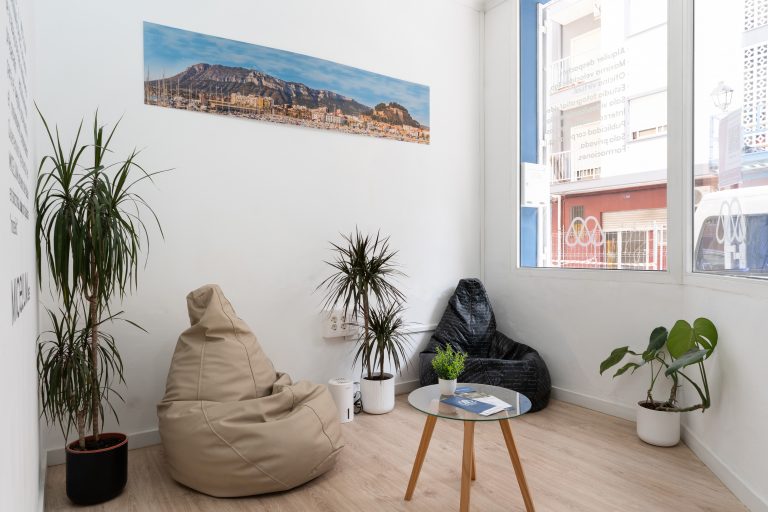
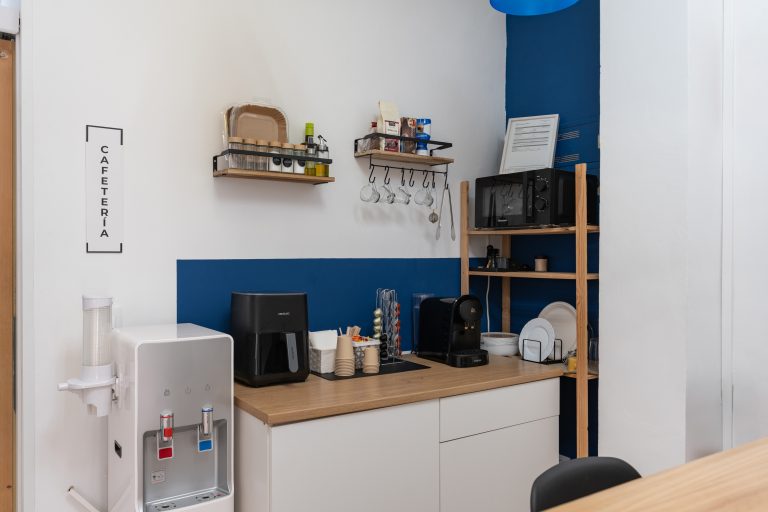
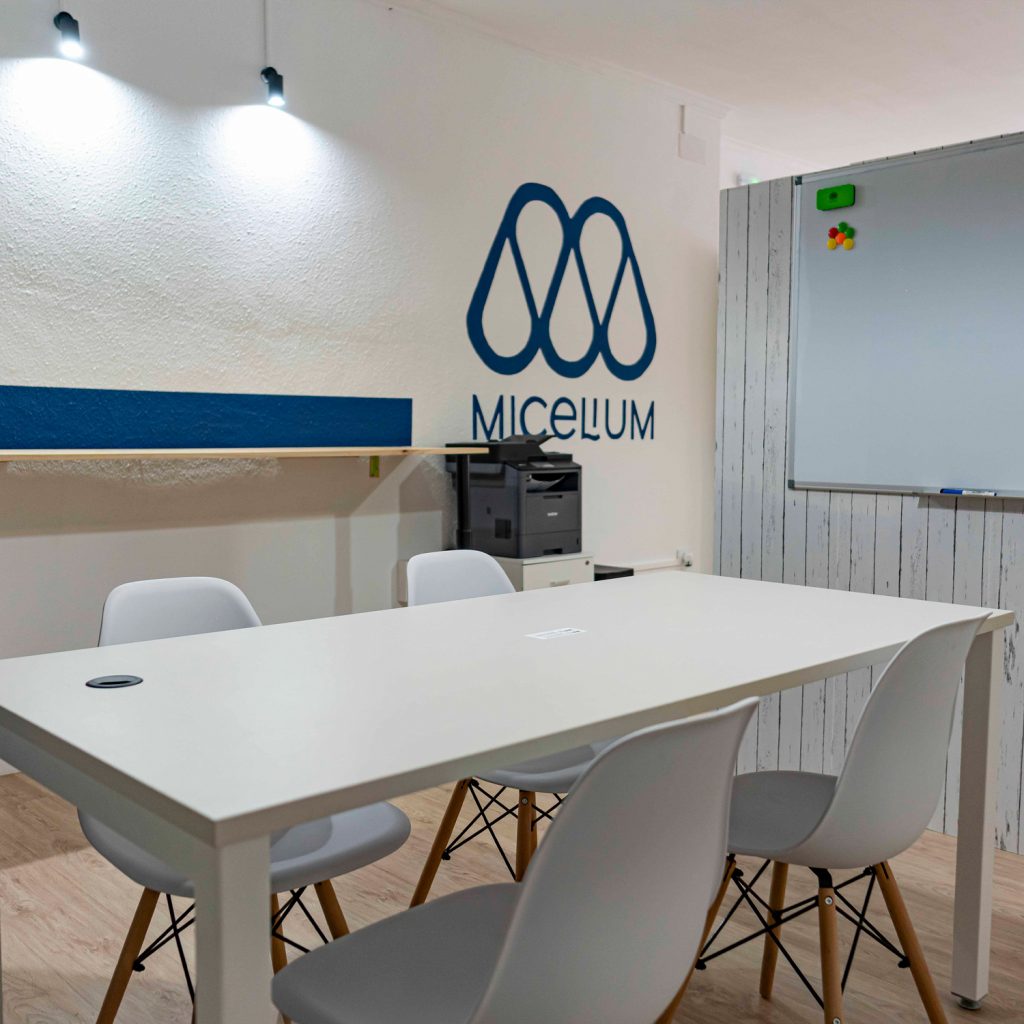
Spaces at Micelium Coworking
See common areas
Home
Passes and more
Blog
Contact
Download the Micelium app
Bookings, passes and access code on your phone
For your online shop
Your stock at Micelium and your shipments ready every day. You create the label, we stick it on and the carrier collects it here. No premises to rent.
That easy
1
You create it in your carrier account and send us the PDF.
2
We print the label and leave the parcel at the pickup point.
3
They come in with their own warehouse code, without waiting for anyone.
Your warehouse in Dénia
We keep your goods on a shelf reserved just for you, tidy and in plain view. We log every warehouse entry and send you a shipping summary every month.
One clear fee
Shipping point
149 €
a month + VAT
Extra shipments · price per shipment
1 to 30
Included
31 to 70
€1.50 + VAT
71 to 150
€1.20 + VAT
151 and over
€1.00 + VAT
Each band is charged at its own price, at the end of the month. Minimum term of 3 months.
If you need them
Direct printing on our printer
€75 + VAT, one-off
Door sign with your brand
€60 + VAT, one-off
Extra shelf
€50 + VAT a month
Return (receipt and photo)
Questions
No. You send us the label and we do the rest.
With yours: you create the label in your account and they come to collect.
Anything we receive before 1 pm, Monday to Friday (working days).
Hazardous, perishable or high-value goods.
3 months; after that, month to month with 30 days’ notice.
Dispatch outside normal hours, on request.
“A very comfortable space, a great place to work.”
María F. · Google review
Come and meet us
Carrer del Verger, 10, ground floor · Dénia
Free parking at Torrequemada
Monday to Friday 08:00–21:00
Saturdays 08:00–18:00
+34 685 58 14 22
Also on WhatsApp
contacto@micelium.es
Free · no app store
Open micelium.es in Safari.
Tap Share (the square with the upward arrow) in the bottom bar.
Choose Add to Home Screen.
4
Tap Add. The Micelium icon appears alongside your apps.
Open micelium.es in Chrome.
Open the ⋮ menu at the top right and choose Add to Home screen (or Install app, if offered).
Confirm with Add. The Micelium icon appears on your home screen.
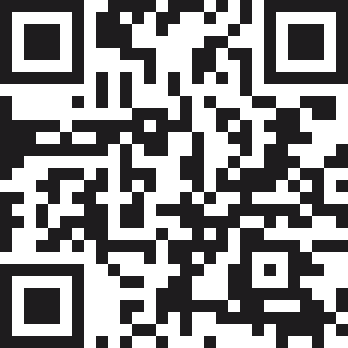
Scan this code with your phone camera and follow the iPhone or Android steps.
In Chrome or Edge you can also install it on your computer from the browser menu, using the option to install the page as an app.