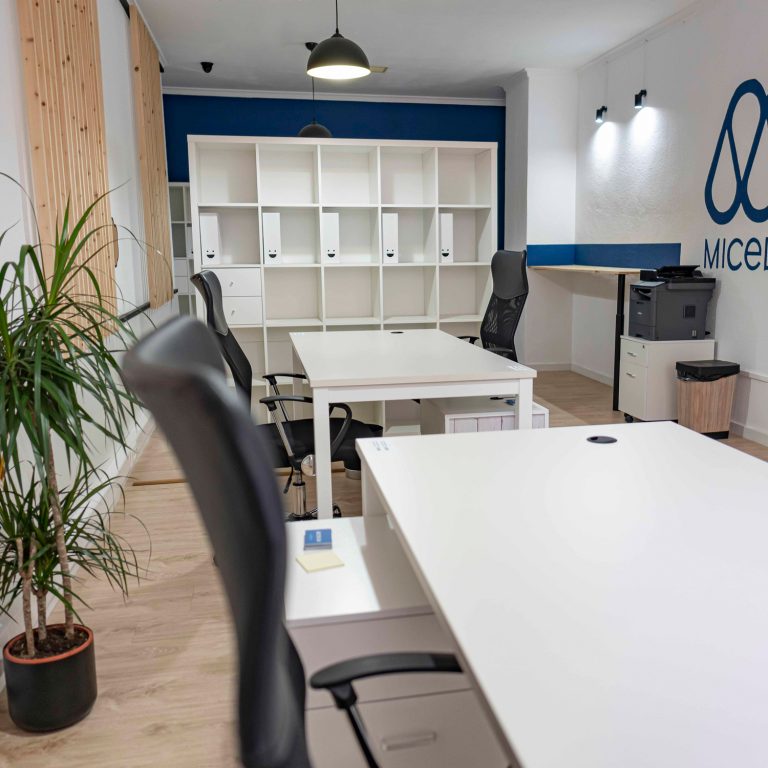
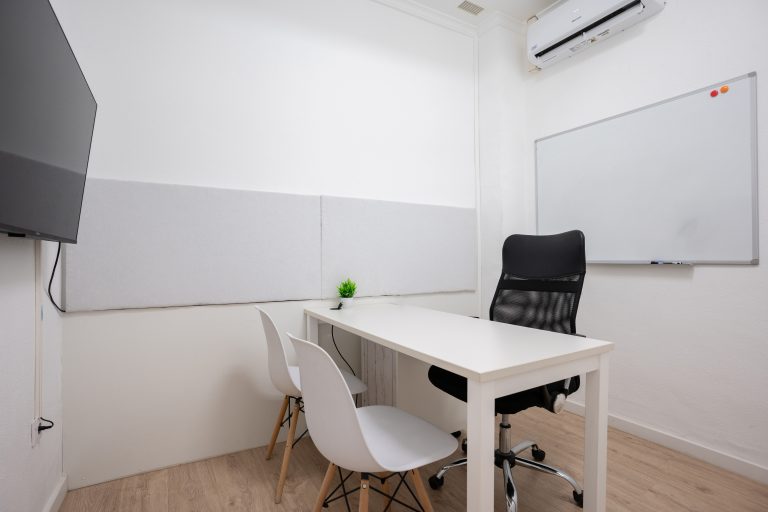
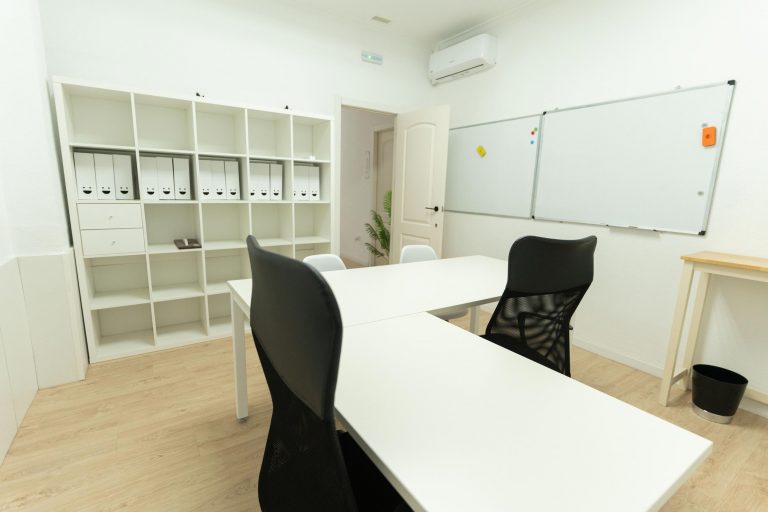
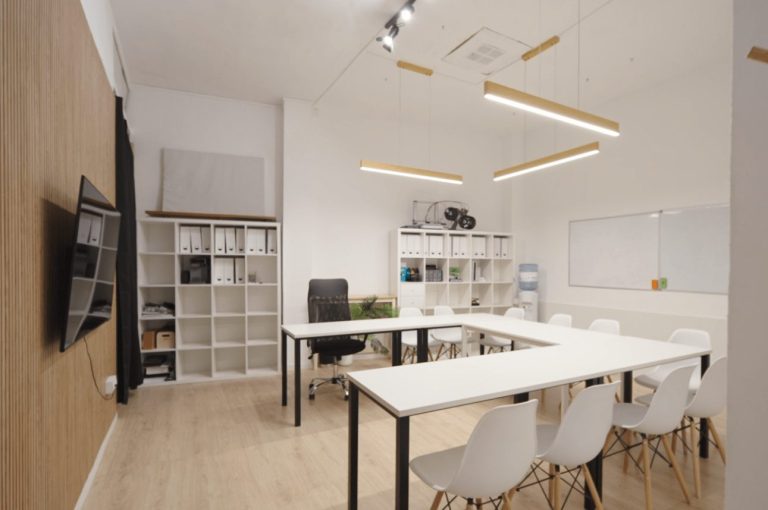
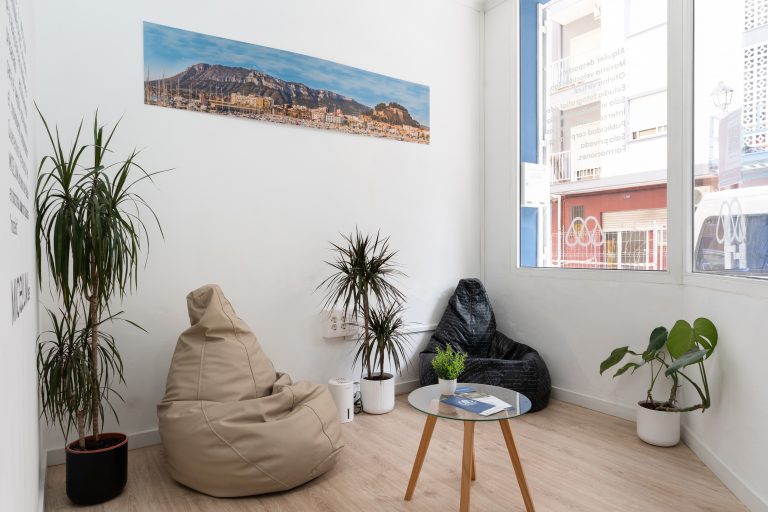
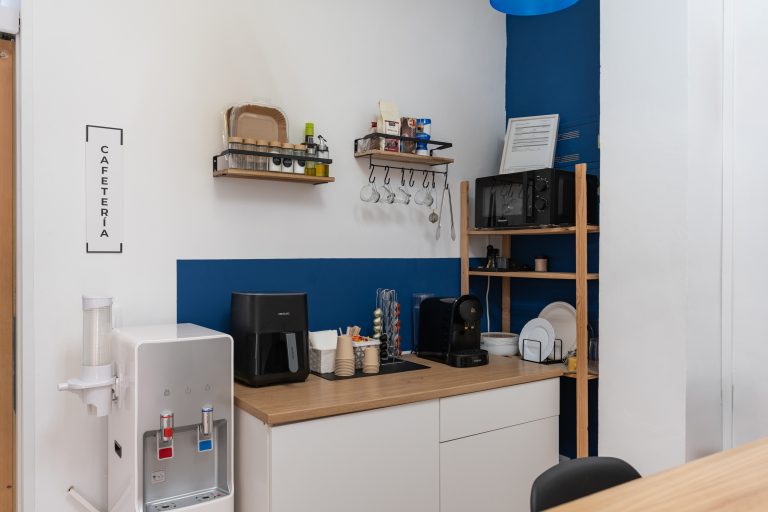
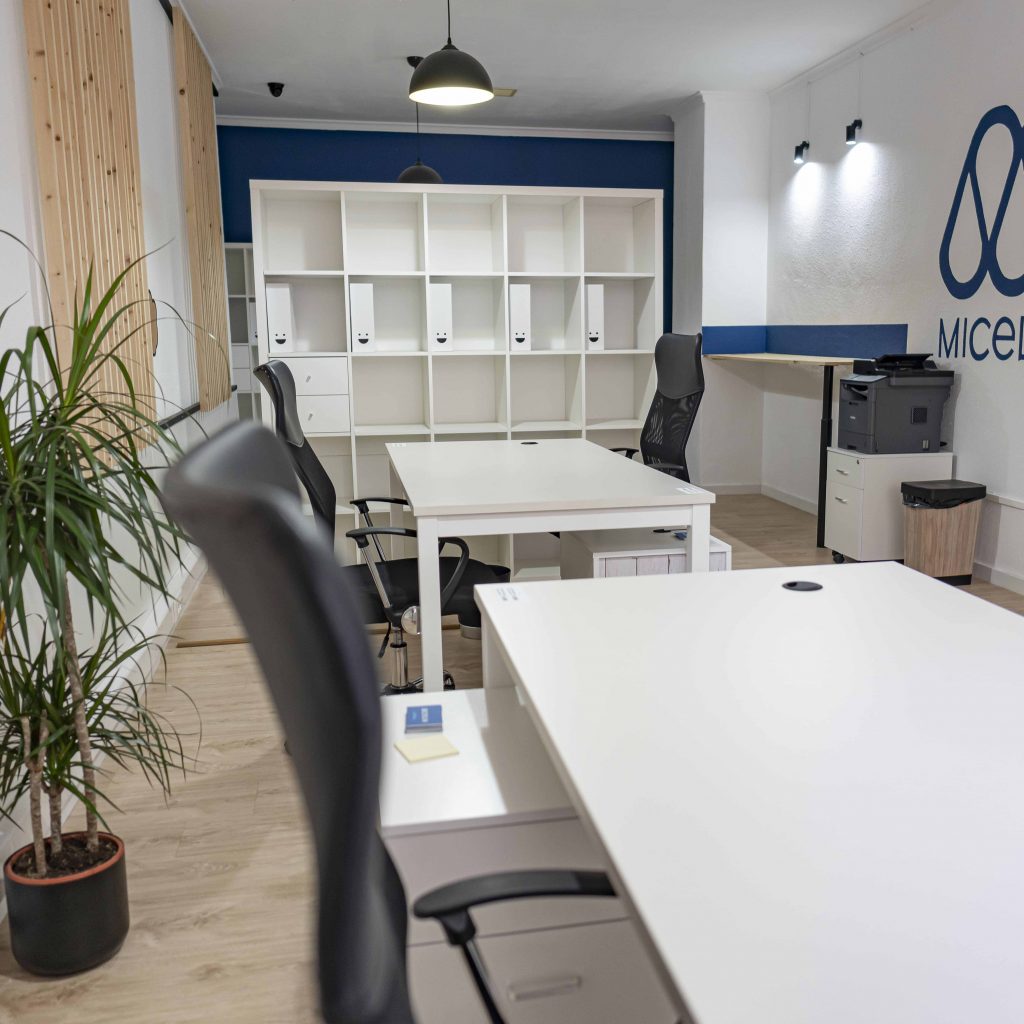
Enjoy working with Micelium Coworking Space in Denia
Working in a coworking space in denia cozy and quiet. Coworking shared

Download the Micelium app
Bookings, passes and access code on your phone

Working in a coworking space in denia cozy and quiet. Coworking shared

¡Bienvenidos a Micelium Coworking Space, donde la inspiración y la productividad se encuentran!
Search
Categories
Do you need help?
Services more reserved
Free · no app store
1
Open micelium.es in Safari.
2
Tap Share (the square with the upward arrow) in the bottom bar.
3
Choose Add to Home Screen.
4
Tap Add. The Micelium icon appears alongside your apps.
1
Open micelium.es in Chrome.
2
Open the ⋮ menu at the top right and choose Add to Home screen (or Install app, if offered).
3
Confirm with Add. The Micelium icon appears on your home screen.
Scan this code with your phone camera and follow the iPhone or Android steps.
In Chrome or Edge you can also install it on your computer from the browser menu, using the option to install the page as an app.