

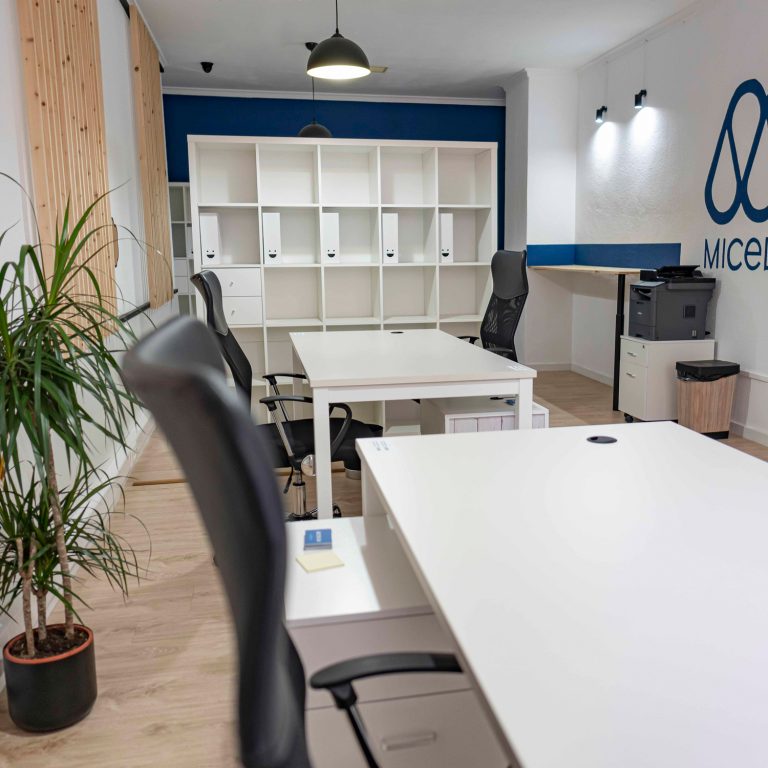
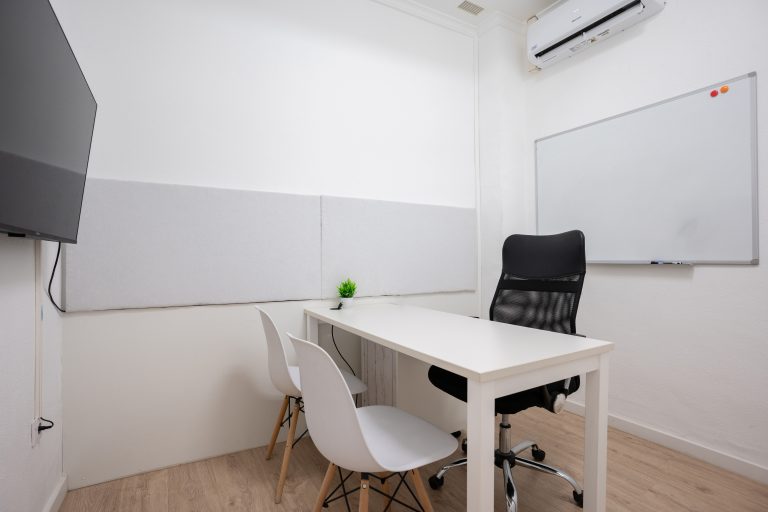
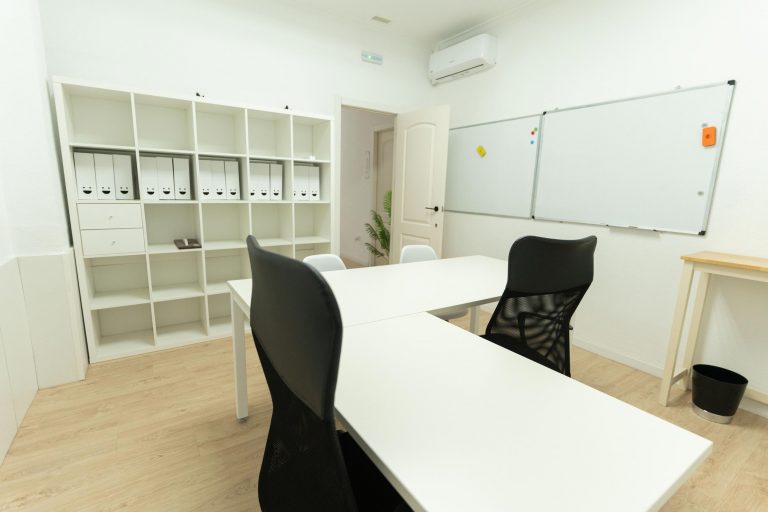
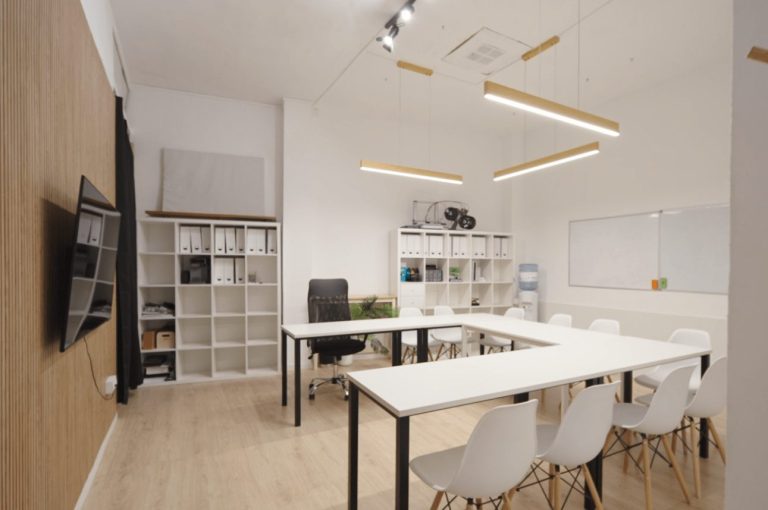
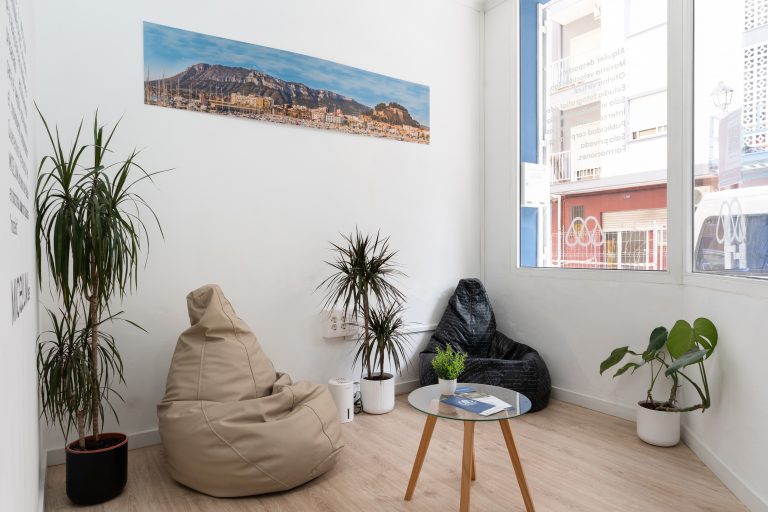


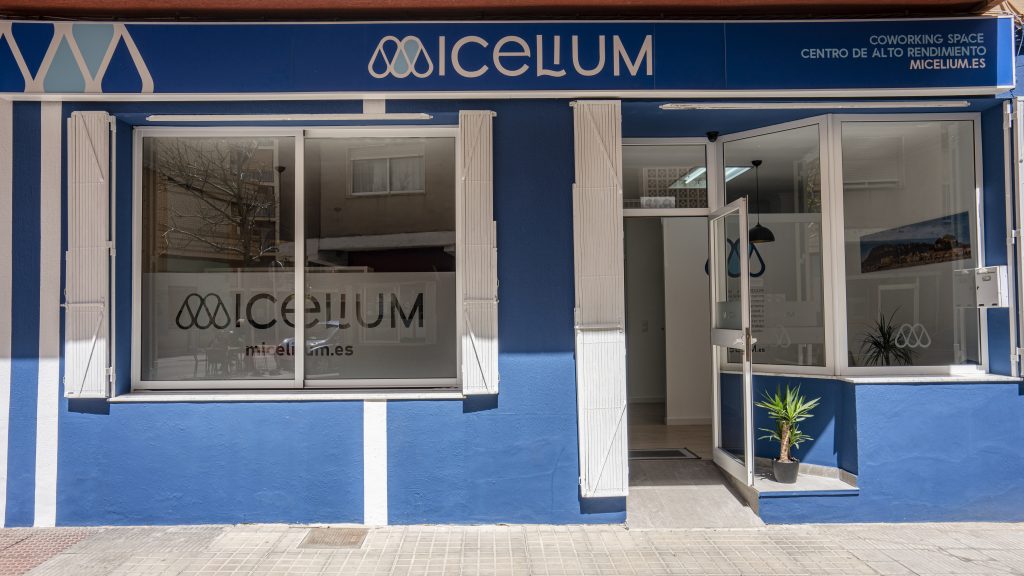
Welcome to Denia a destination that combines the mediterranean beauty with a vibrant coworking in Micelium Coworking Space. As an international customer, your search for a working space efficient and welcoming in Denia has come to an end.
Discover how to Micelium Coworking Space it offers an international experience of coworking that combines efficiency and diversity in a mediterranean environment only.
Space International Labour
Experience an environment that welcomes professionals of diverse nationalities. The diversity in Micelium creates an atmosphere enriching for your professional growth.
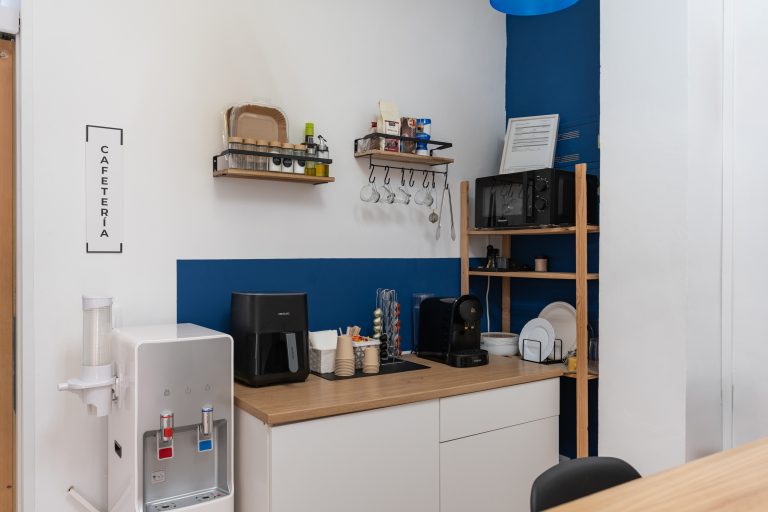
Since Internet connection is ultra-fast to exclusive events, Micelium ensures that every aspect of your experience coworking is covered.
Available services
Networking International
Adapted to Your Style of Work
Whether you prefer the tranquility of a private room or the dynamics of a room shared, in Micelium Coworking Space you'll find the perfect space that fits your style of work.
In addition to a work space, diverse, you'll enjoy additional services that make every day in Micelium to be productive.
Build Global Relationships and power your career Micelium Coworking Space. Join our global community today, and take your success to the next level!
We facilitate meaningful connections through exclusive events and activities networking. Expand your network with professionals from all over the world and creates opportunities for collaboration that transcend borders.
The collaboration with professionals from different cultures will enrich your perspective and open up new business opportunities.
Book your place at Micelium Coworking Space by clicking below:
👁️ Click here to learn more about our workspace.
🖊️ Click to request a consultation.
📞 Click to make a call.
💻 Click here to request a reservation.
💬 Click to write a whatsapp.