Why pay for a whole month if your schedule changes every week? Use Micelium only on the days you come in: each day you enter counts as one, and with your voucher you can book the private room at no extra cost.
Choose a shared desk or a private room, for 10 or 15 days, and pay securely. Everything is digital.
2
Get your code
Within seconds you get a welcome email with your personal access code. Your account is activated straight away.
3
Get in with your code
Enter it on the keypad at the entrance and one day is deducted. If you work from home or go on holiday, the counter doesn’t move.
4
Keep track of your balance
In the “Vouchers” tab of My account you can see the days you have left, your entry history and the validity. From “Private room” you book the room.
Common questions
Frequently asked questions about the vouchers
Do the vouchers expire?
No. The days have no deadline: use them whenever you like.
When is a day deducted?
When you enter with your code. If you don’t come in, nothing is used: your balance only moves when you work at Micelium.
What’s the difference between the shared and the private voucher?
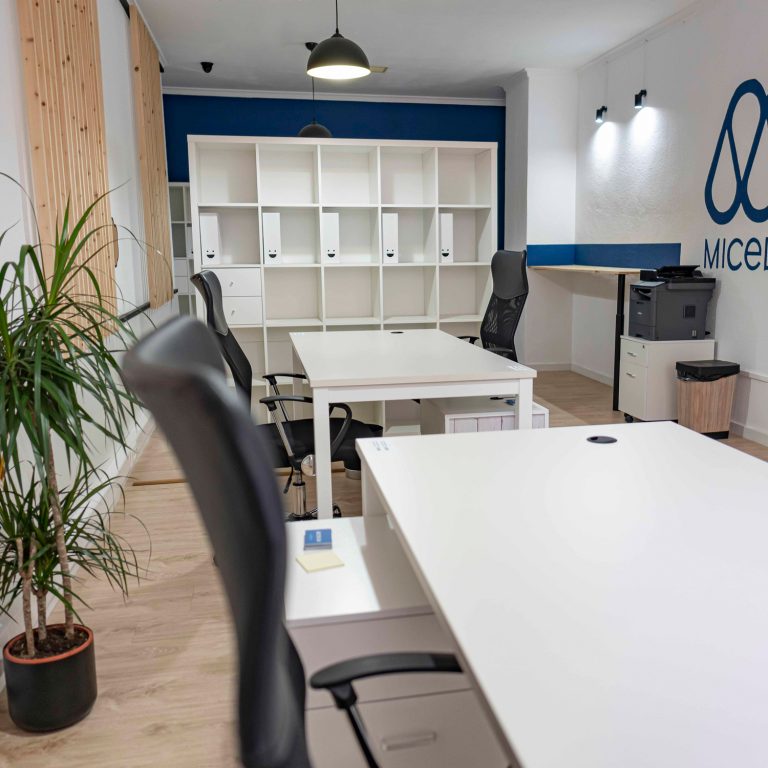
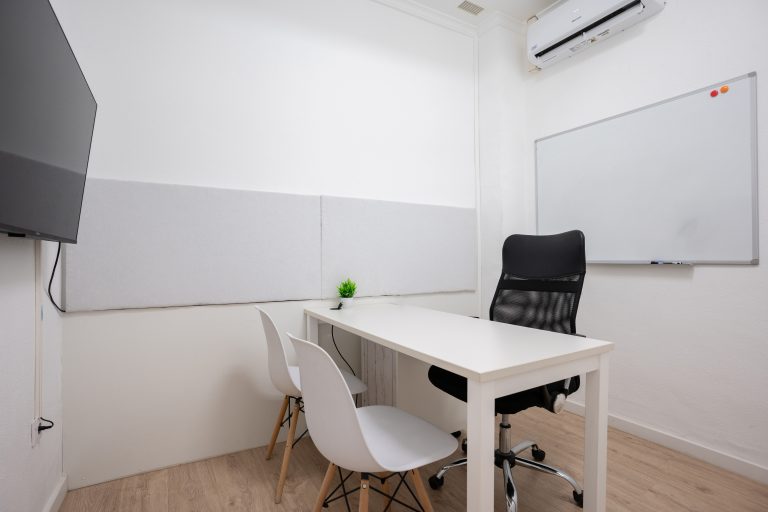
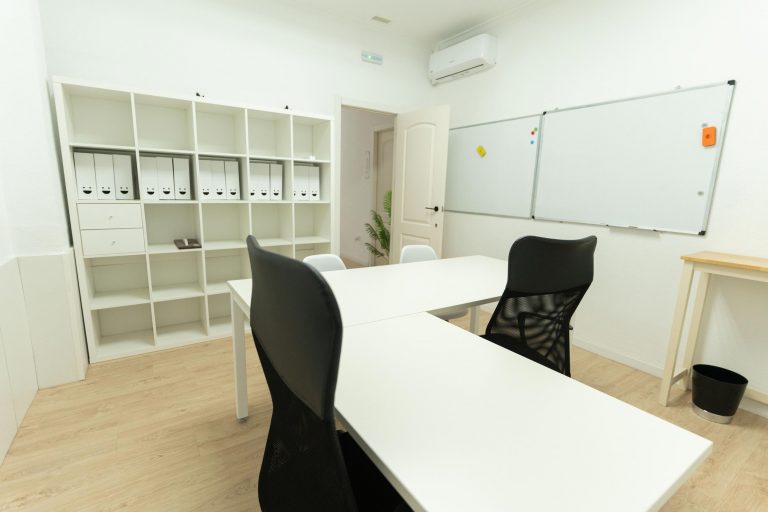
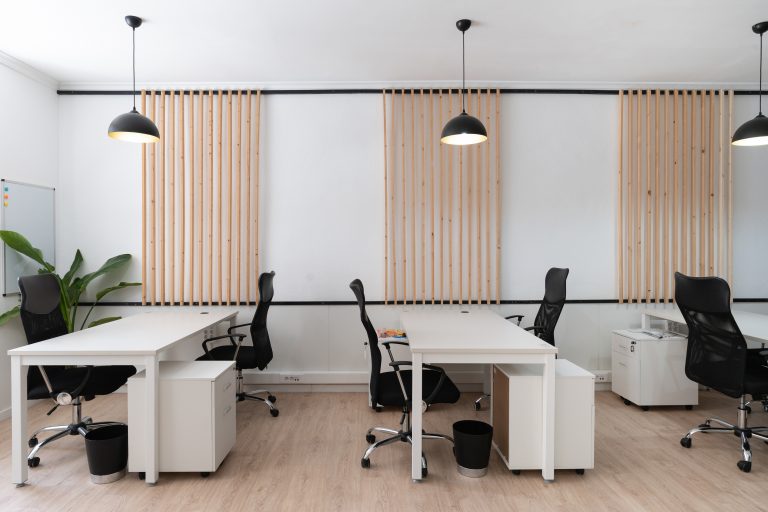
The shared voucher gives you a desk in the common room with a lockable drawer and no limit on hours. The private one gives you the whole private room, up to 5 hours a day, with a table for 3 people, a 42″ TV and a magnetic whiteboard.
Can I book the private room with my voucher?
Yes, at no extra cost. Go to the “Private room” tab in your profile, pick the day and hours and confirm: the room is blocked for you.
How do I know how many days I have left?
In the “Vouchers” tab of My account (and in the app) you can see your balance, the history with the date and time of each entry, and the status of your voucher.
What is the meeting room voucher for?
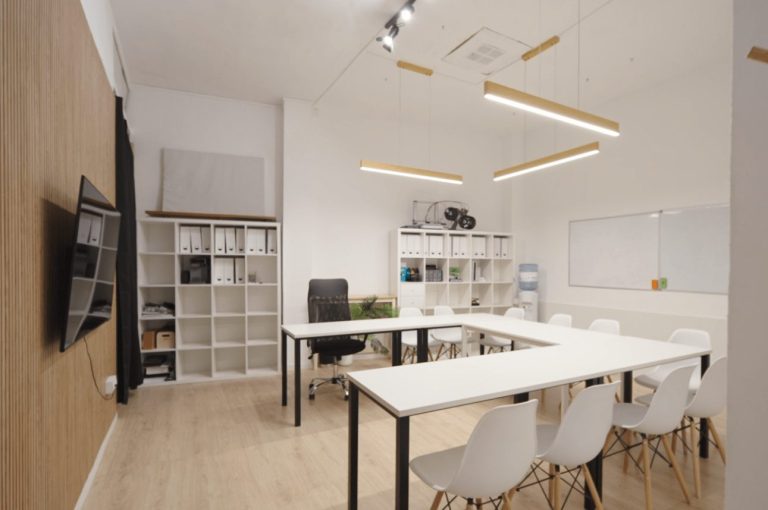
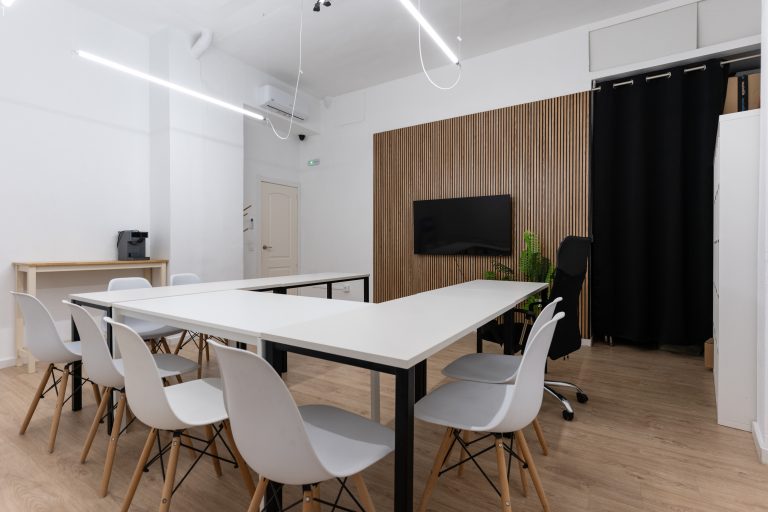
It’s 2 days in the meeting and training room, for up to 12 people, with a U-shaped table and a 75″ TV. It’s ideal for courses, workshops and presentations. If you prefer it by the hour, take a look at the training room.
Do the prices include VAT?
The prices you see exclude VAT. The cost per day is the voucher price divided by its days.
How do I pay?
Online and securely. When you finish you receive your access code by email and can come in the same day.
45 reviews on Google
“A very comfortable space, a great place to work.”